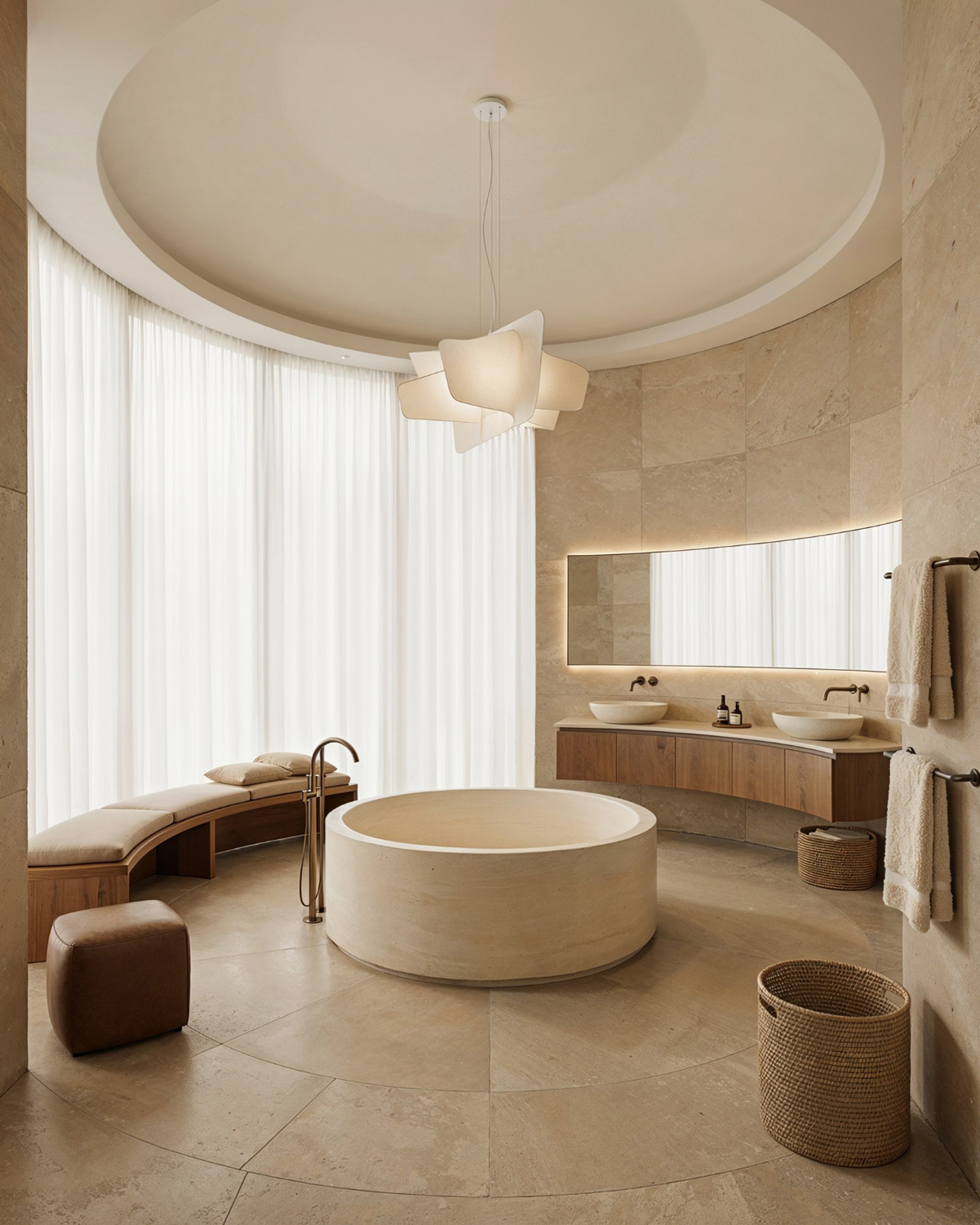
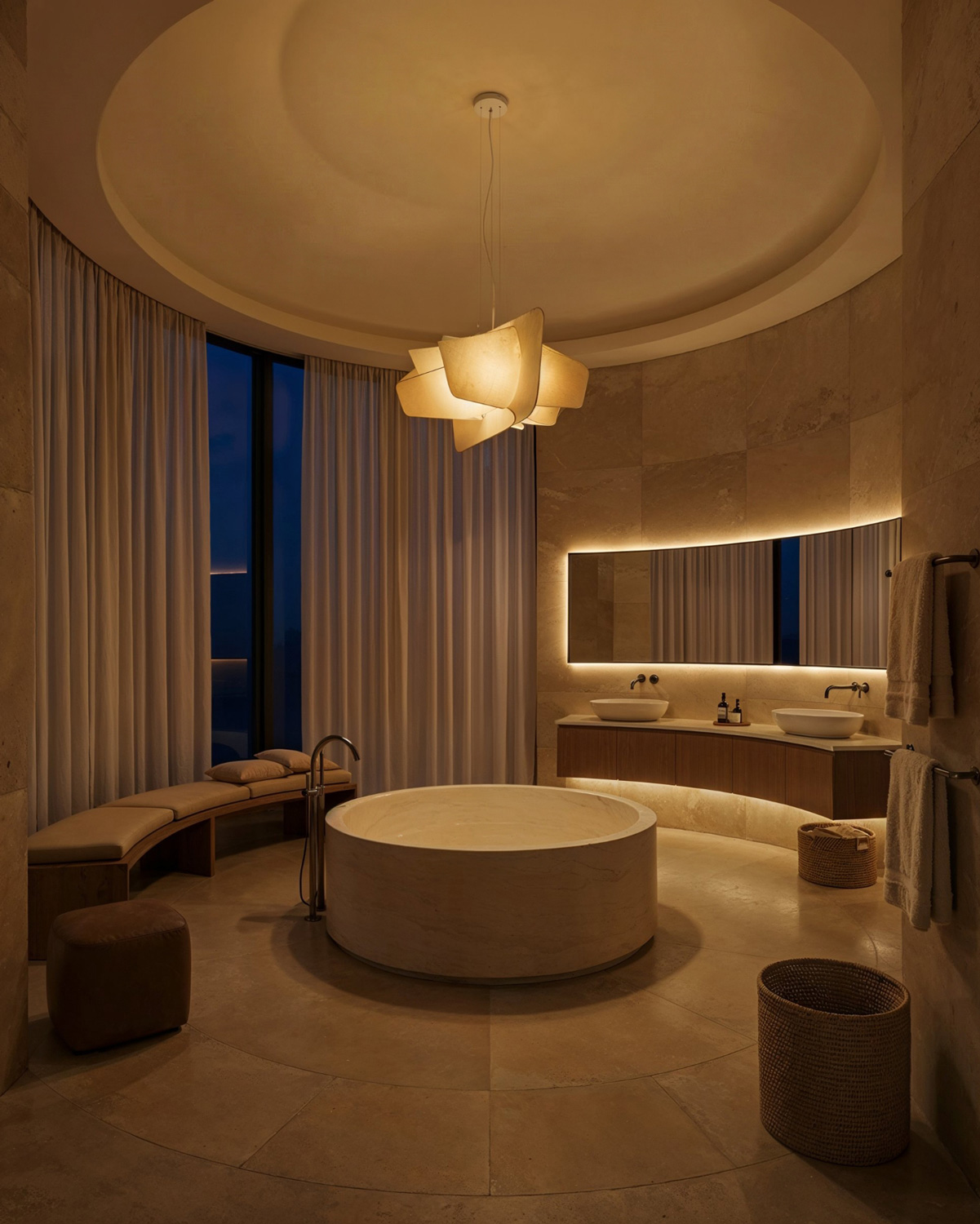
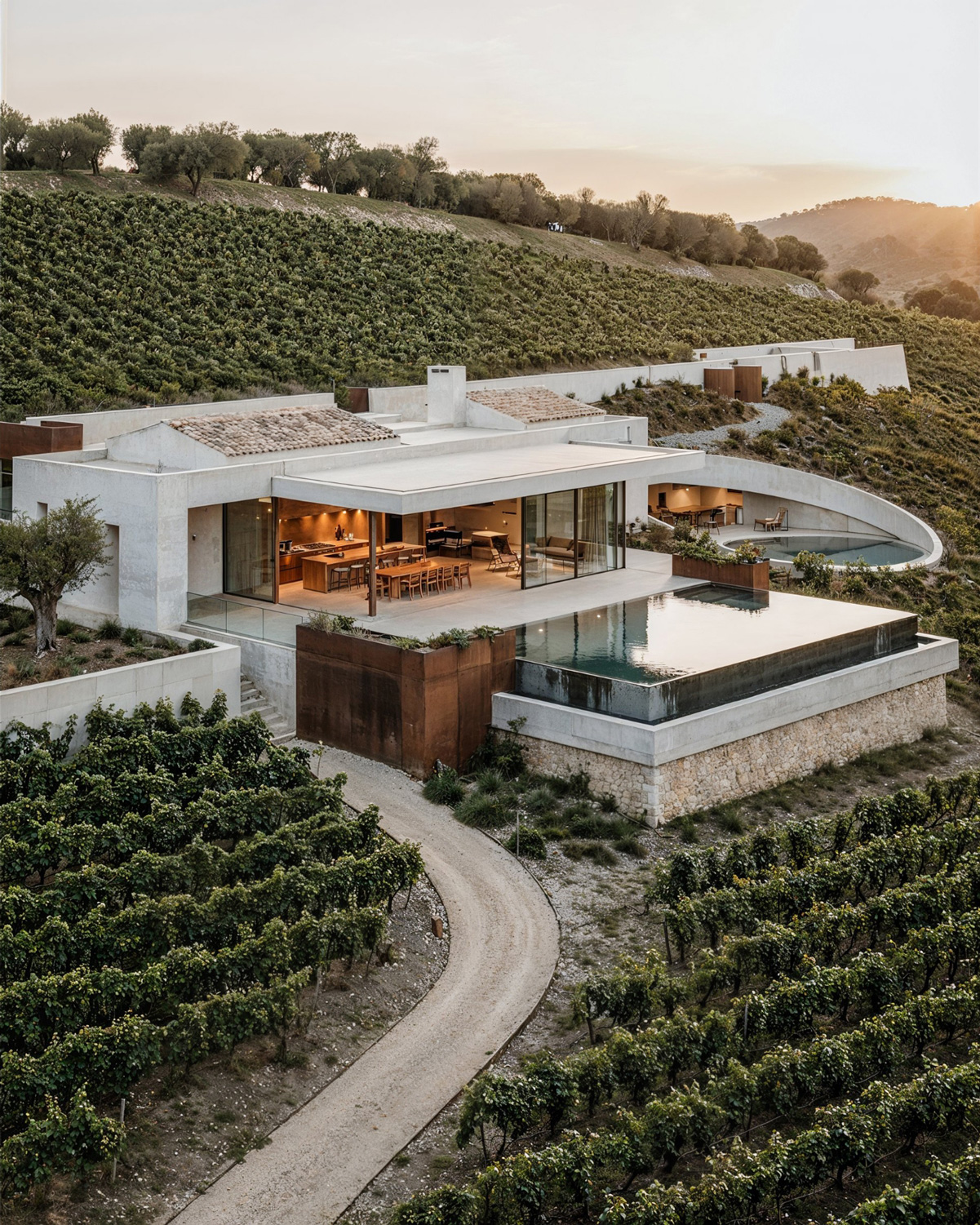
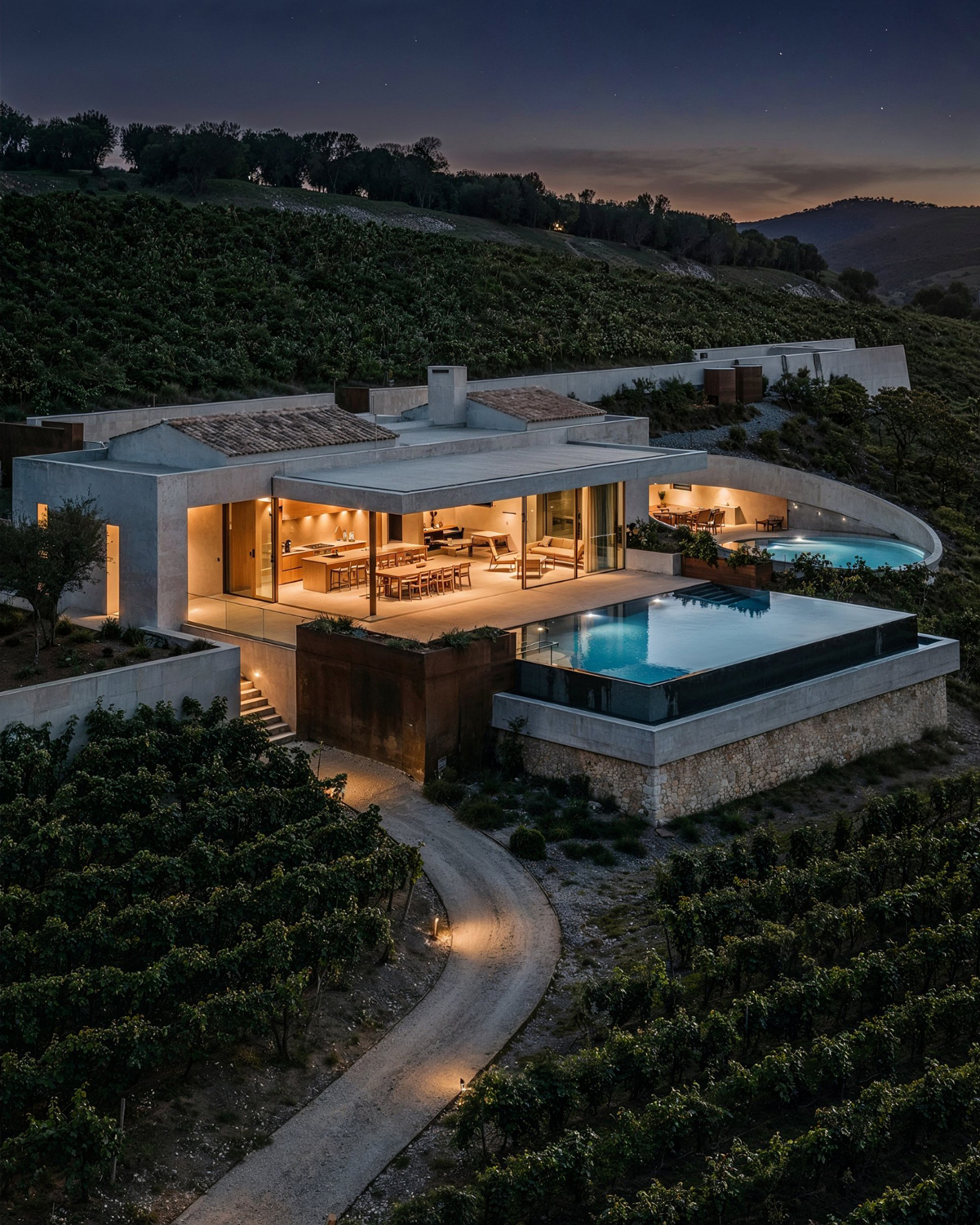
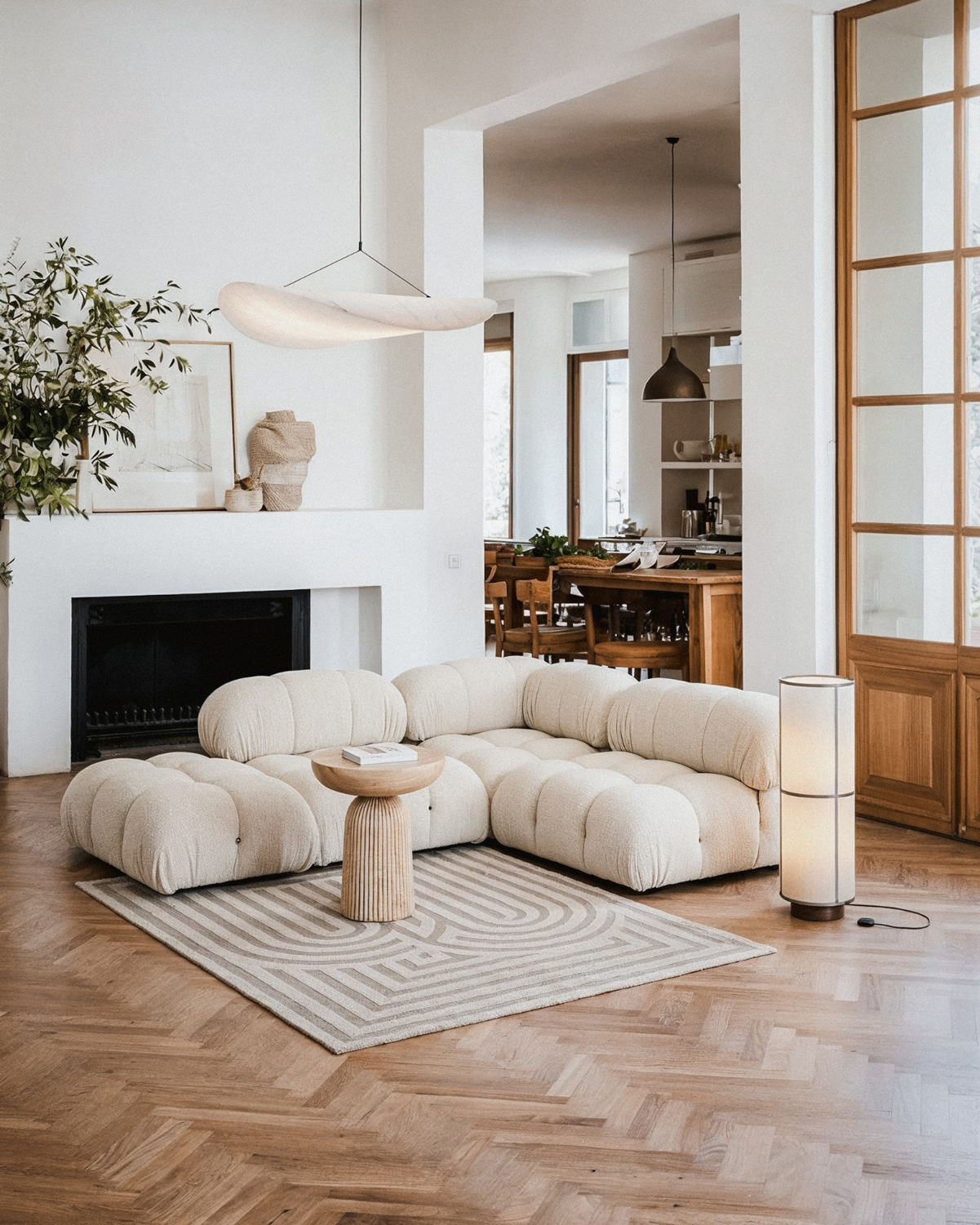
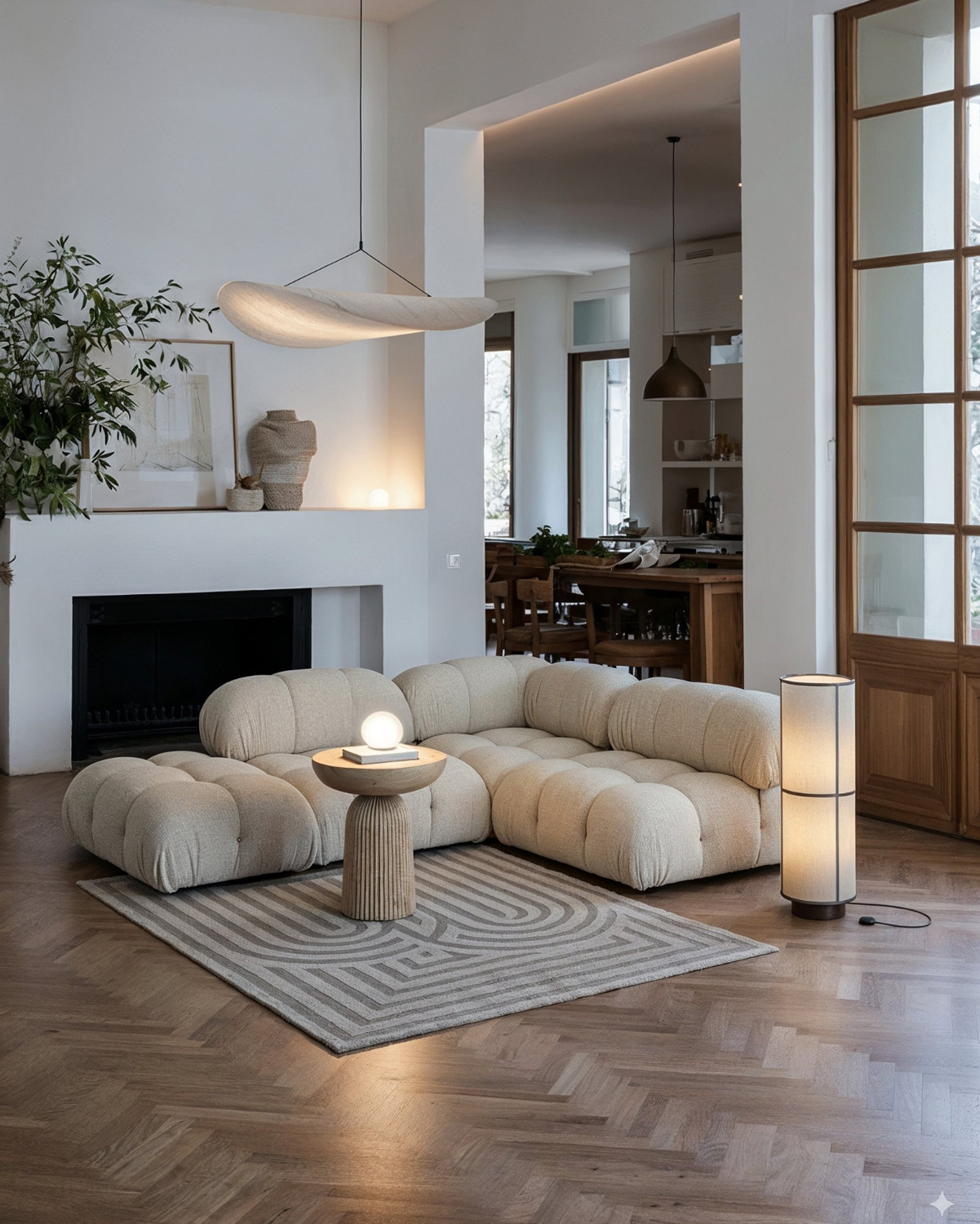
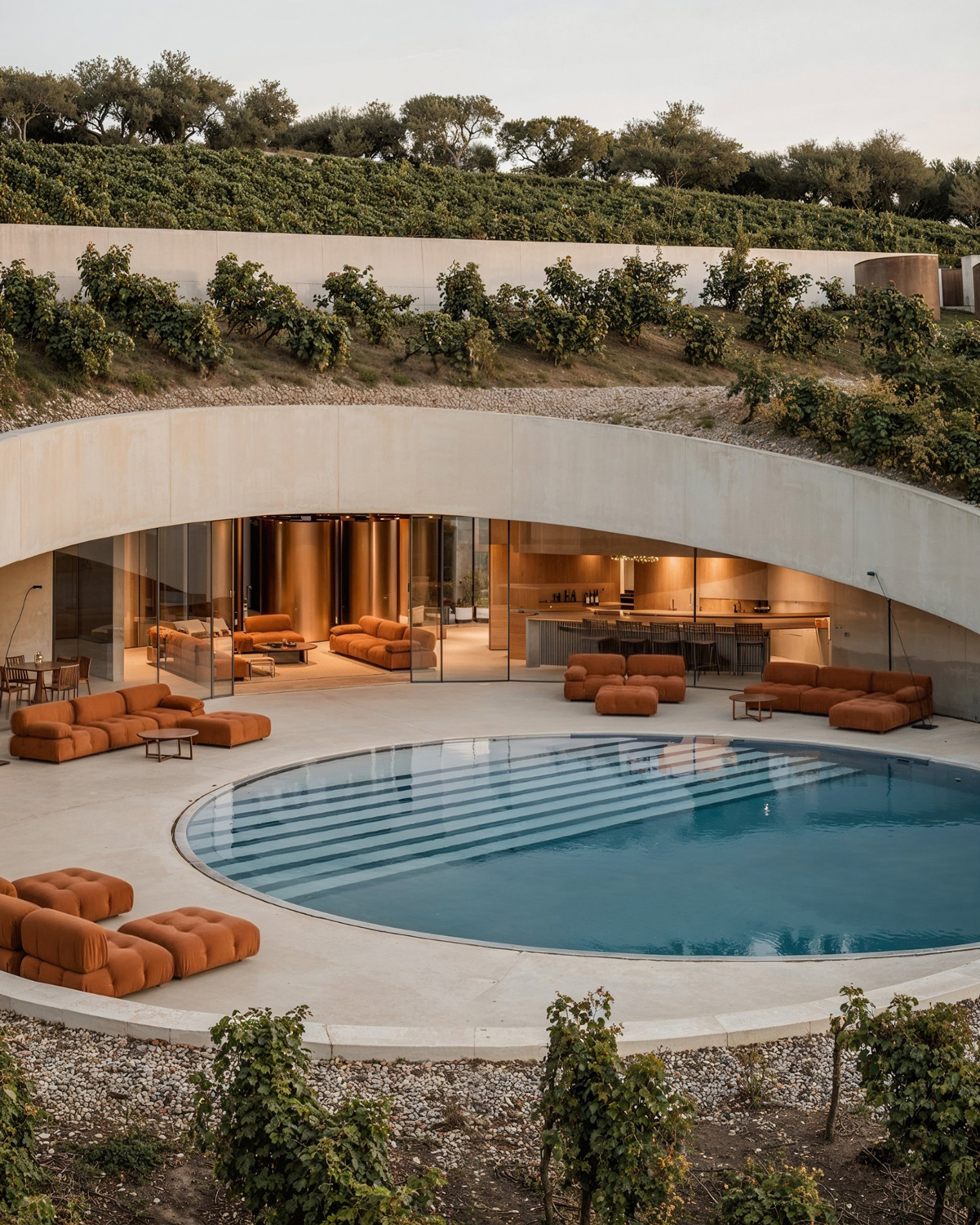
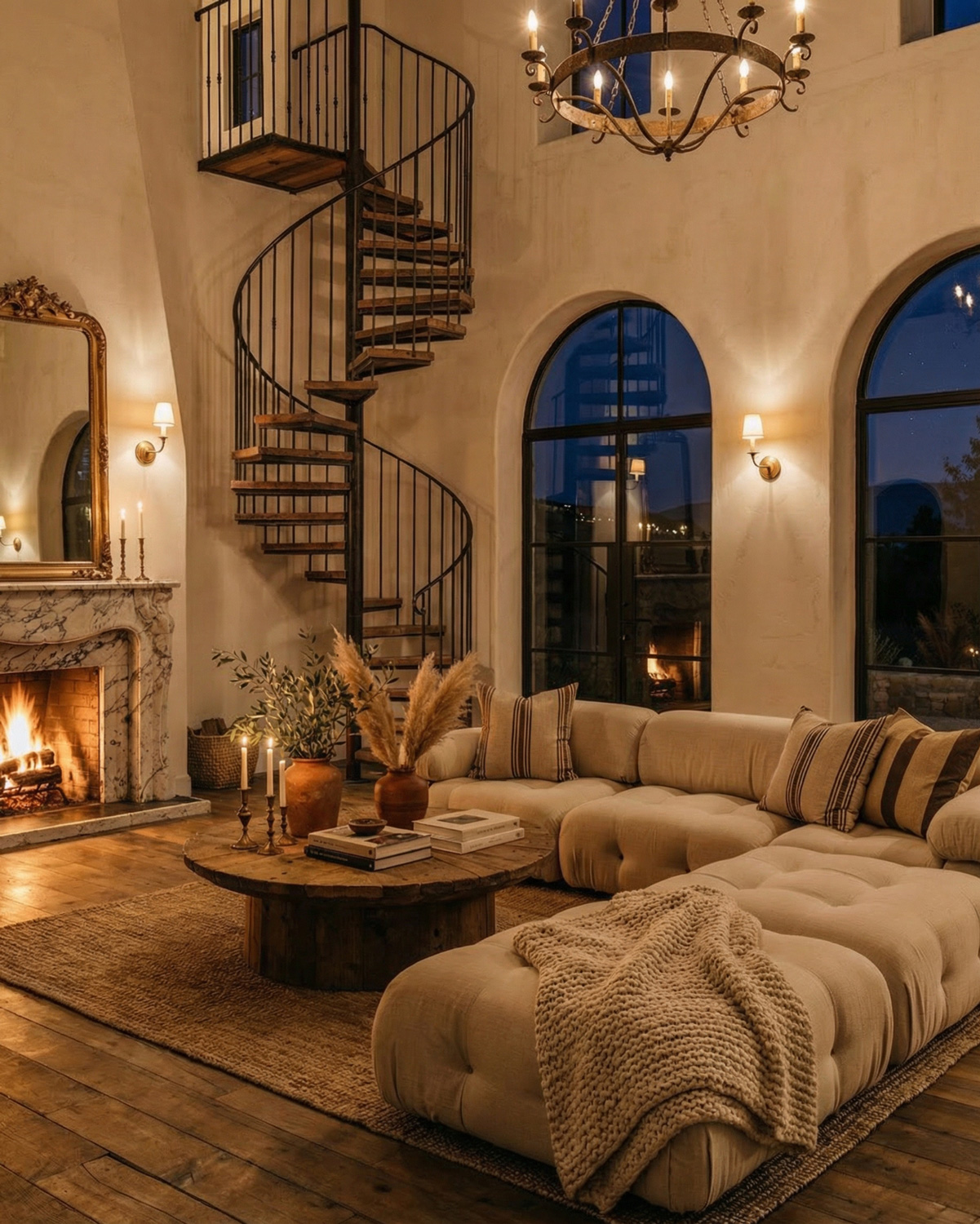
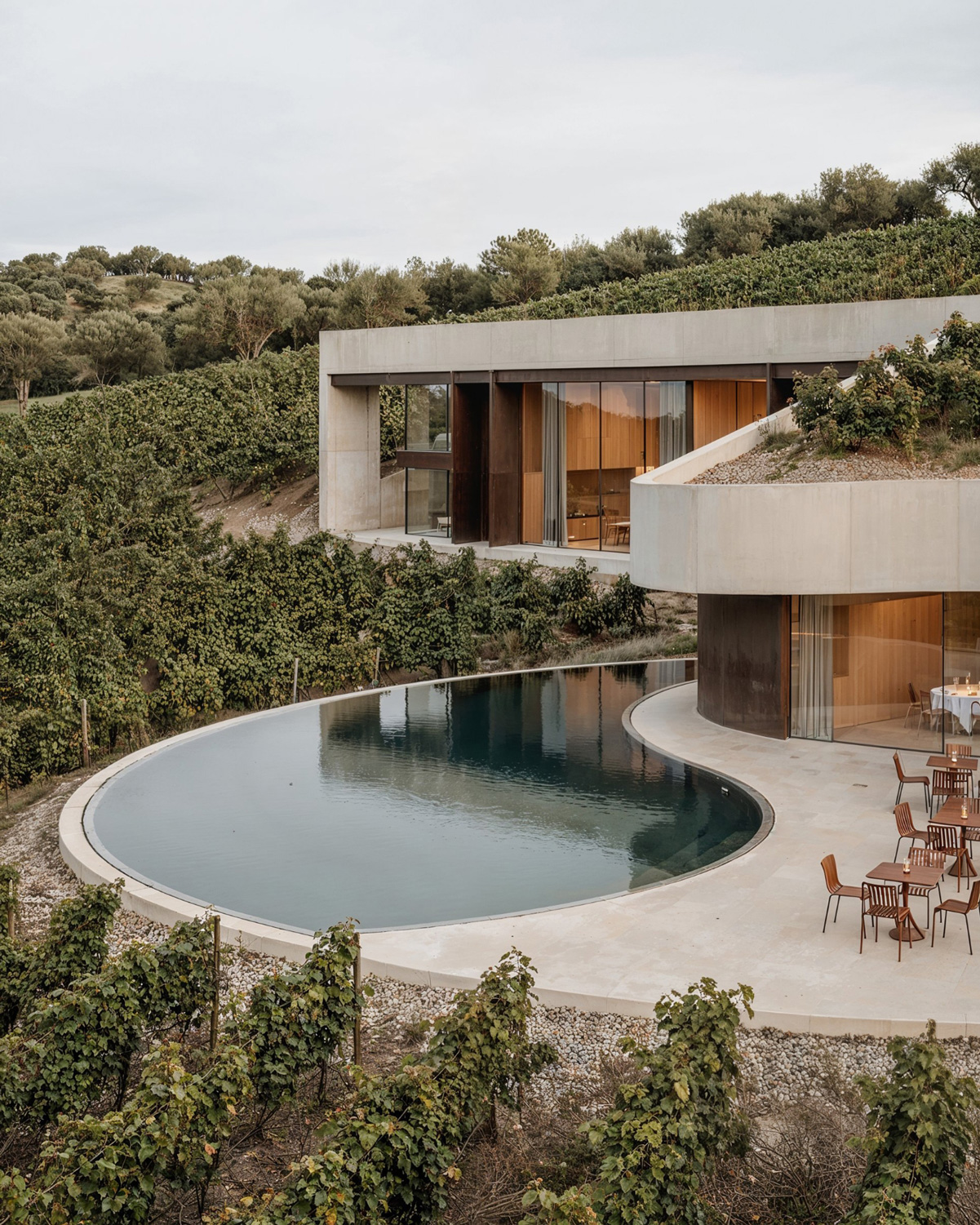
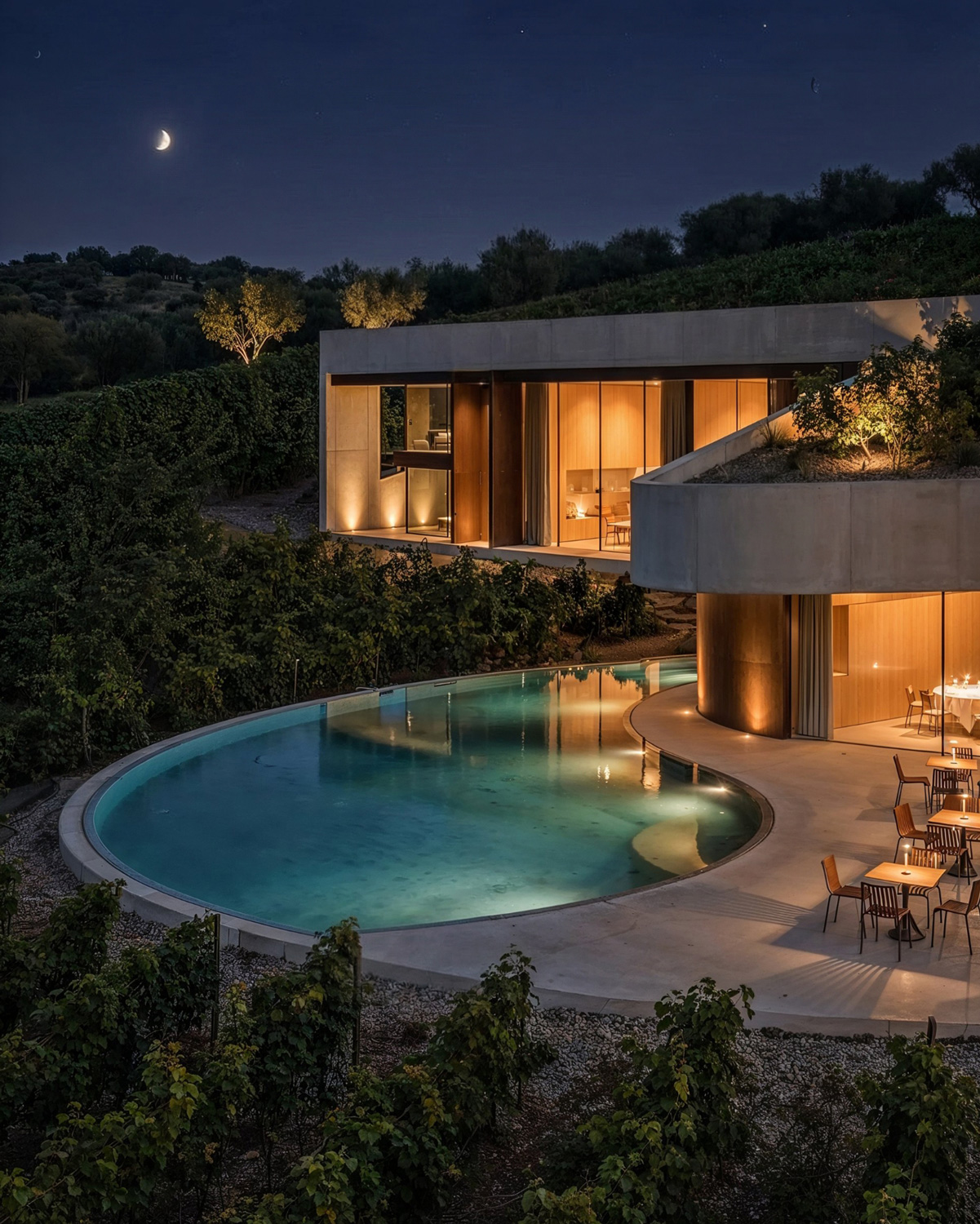
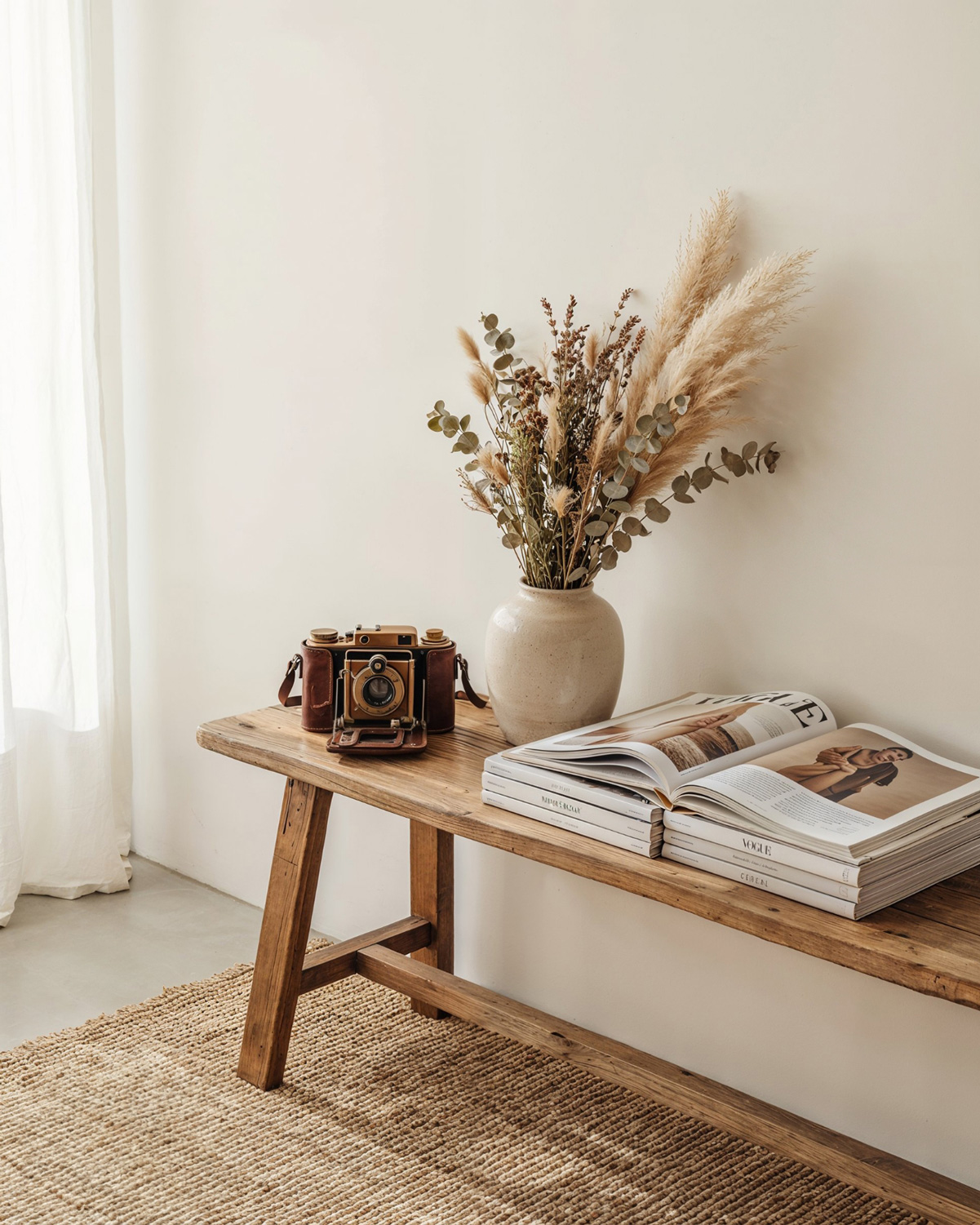
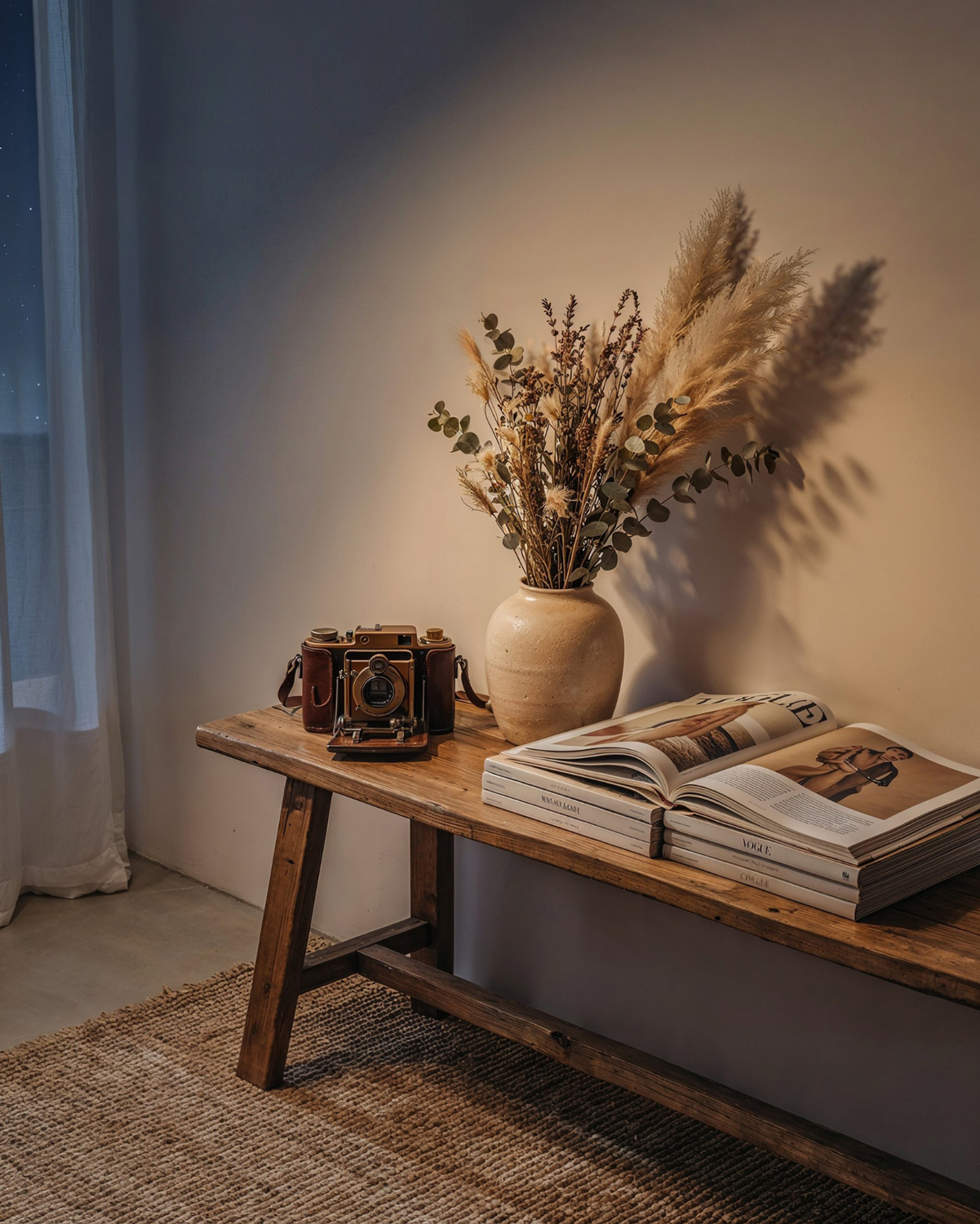
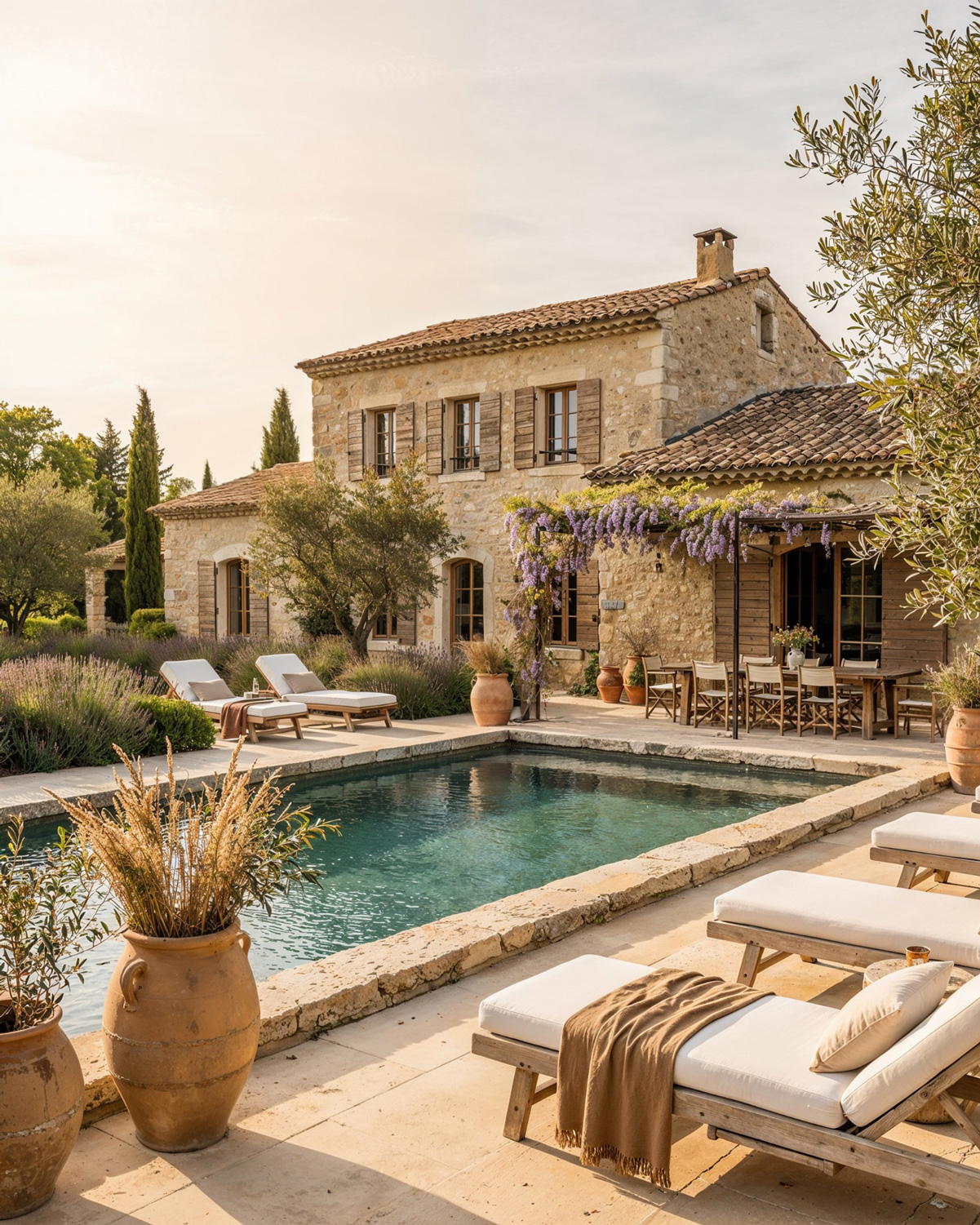
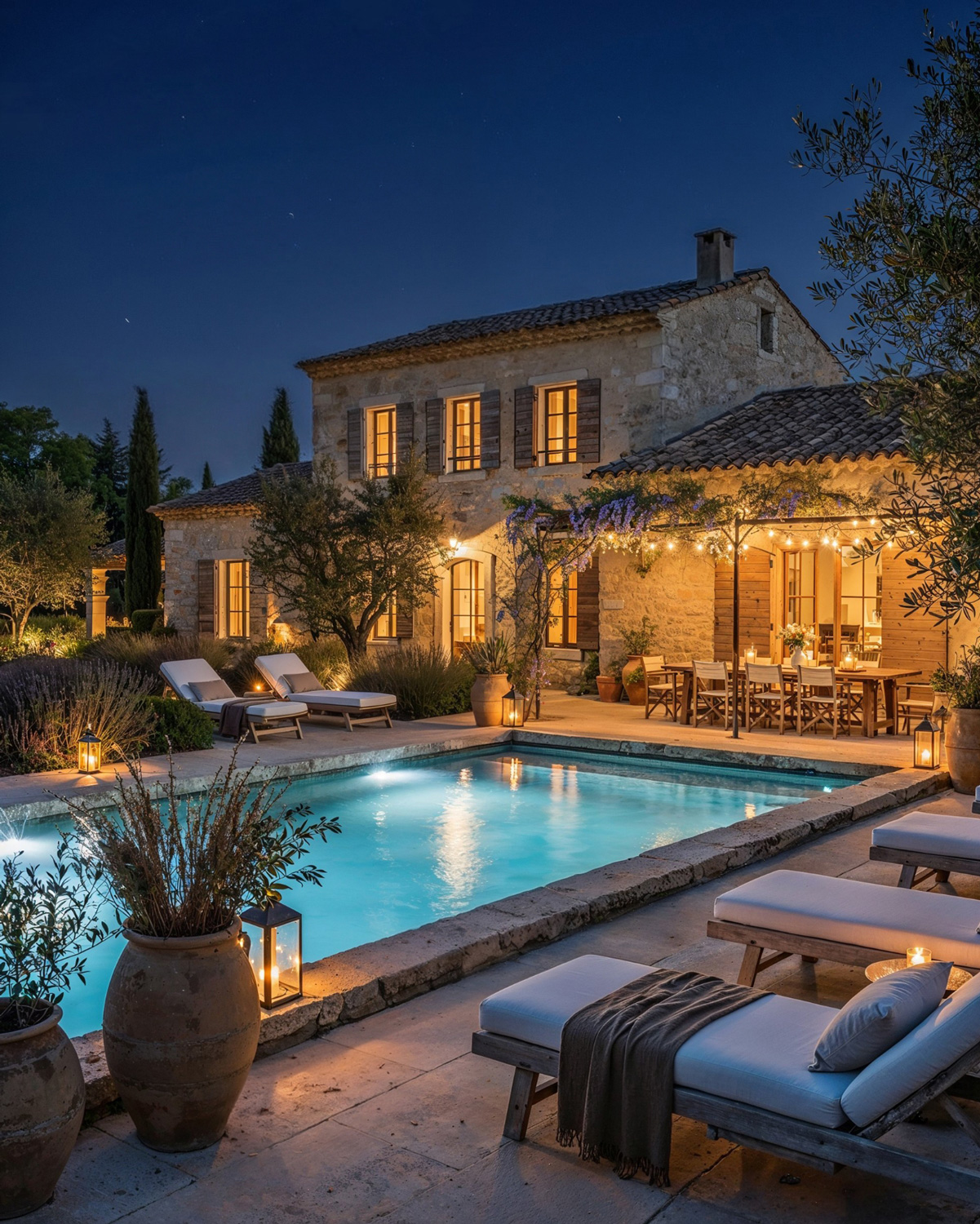
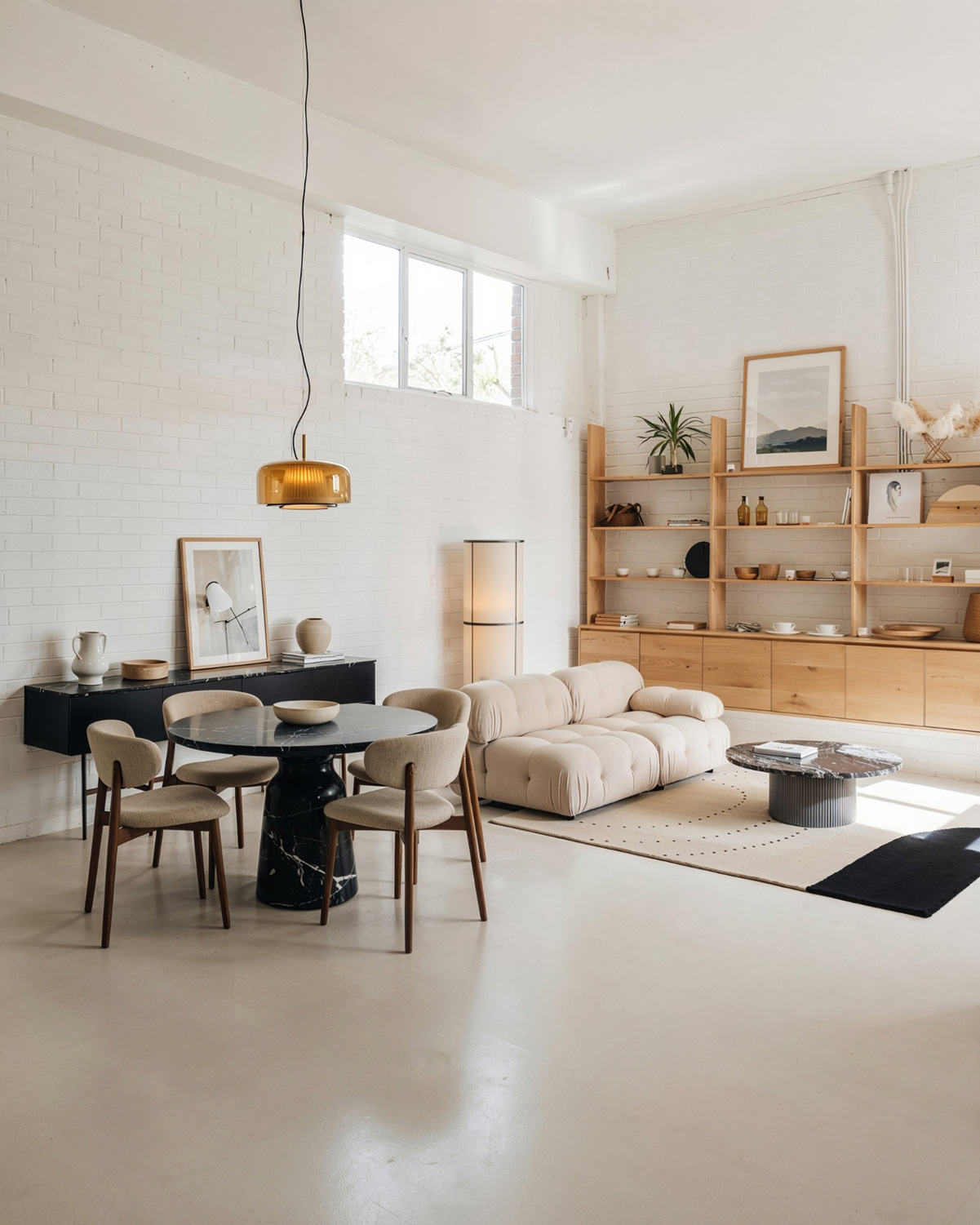
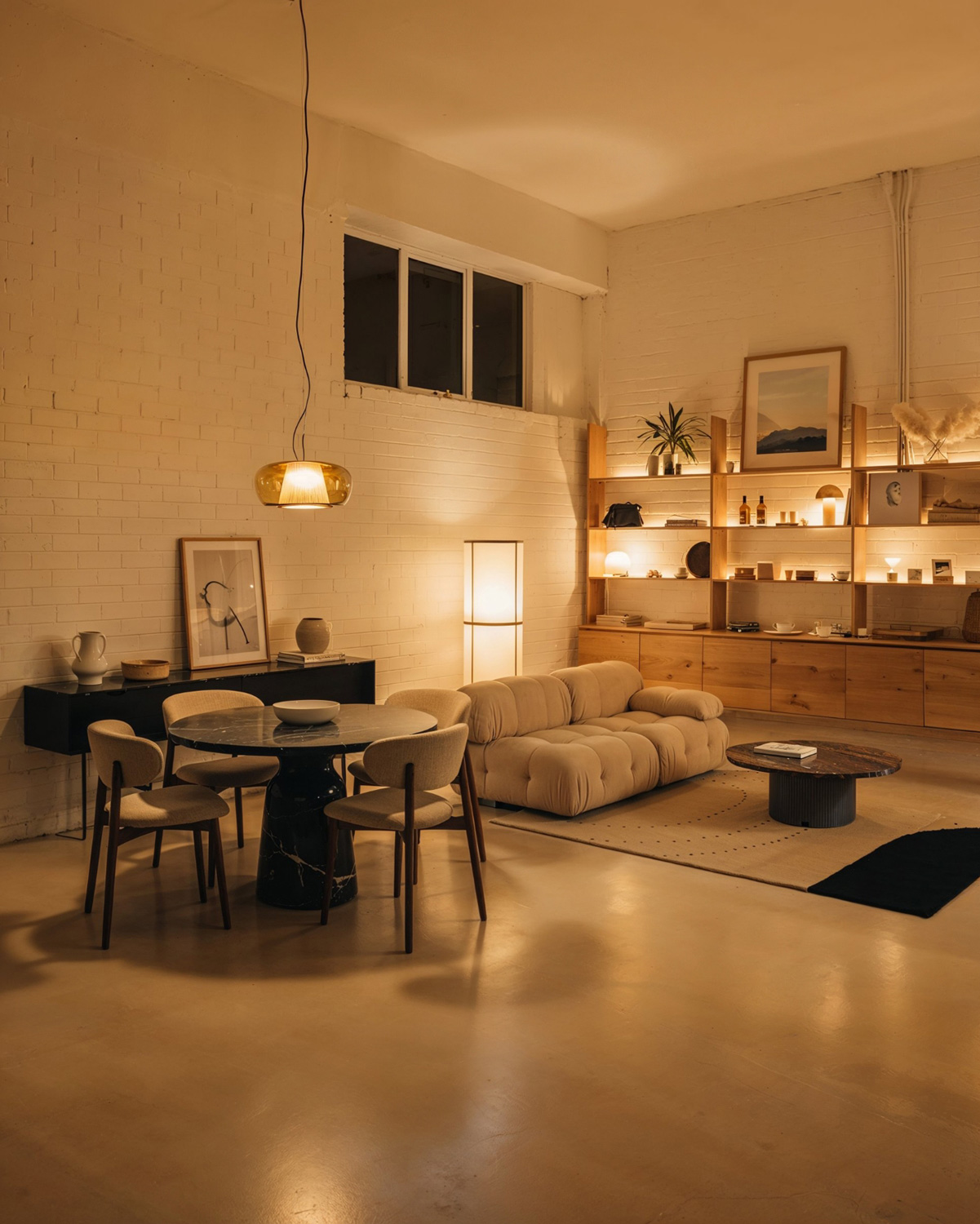
Your AI assistant. Made for designers.

Edit your concepts easily and get client approvals faster.

Designed for designers and furniture brands.

Create photoreal render, iterate in seconds, and create visuals that sell the story for you.

4.7 out of 264 reviews

Stop wrestling with generic AI tools that do not understand interiors.

This is your designer-first assistant for high-end interior and architectural visuals, powered by Nano Banana Pro model and tuned for real studio workflows.

As seen on leading interior design influencers’ Instagram

Why we built it?

We could not find a tool that was truly useful for interior design, so we built one.

You have SketchUp, 3D, and your own taste. What you do not have is time. Traditional rendering stacks are slow, rigid, and painful to iterate on.

Generic AI image Tools like Midjourney look impressive on Instagram, then completely break when you feed them a real project.

So we built an AI layer that speaks the language of interiors and architecture. It works with the way you already design, instead of forcing you to learn a new toy.


Light:
Jour-2

Built for interiors, furniture brands and architecture

This is not a one-size-fits-all AI image generator.

It is built specifically for:

Interior designers

Furniture and home brands

Behind the scenes, a powerful AI image engine is tuned for interiors and architecture. In front of it, you get a clean, designer-friendly interface that respects your time.

 You focus on taste and ideas. The app delivers magazine-worthy images.

Architects

Pricing

Simple plans for solo designers, studios, and brands.

Pro

$47per
month

150 credits/month

Make more than 150 images in 2K resolution

Best deal

Premium

$97per
month

350 credits/month

Make more than 350 images in 2K resolution

Studio

$147per
month

550 credits/month

Make more than 550 images in 2K resolution

Entreprise

$397per
month

1500 credits/month

Make more than 1500 images in 2K resolution

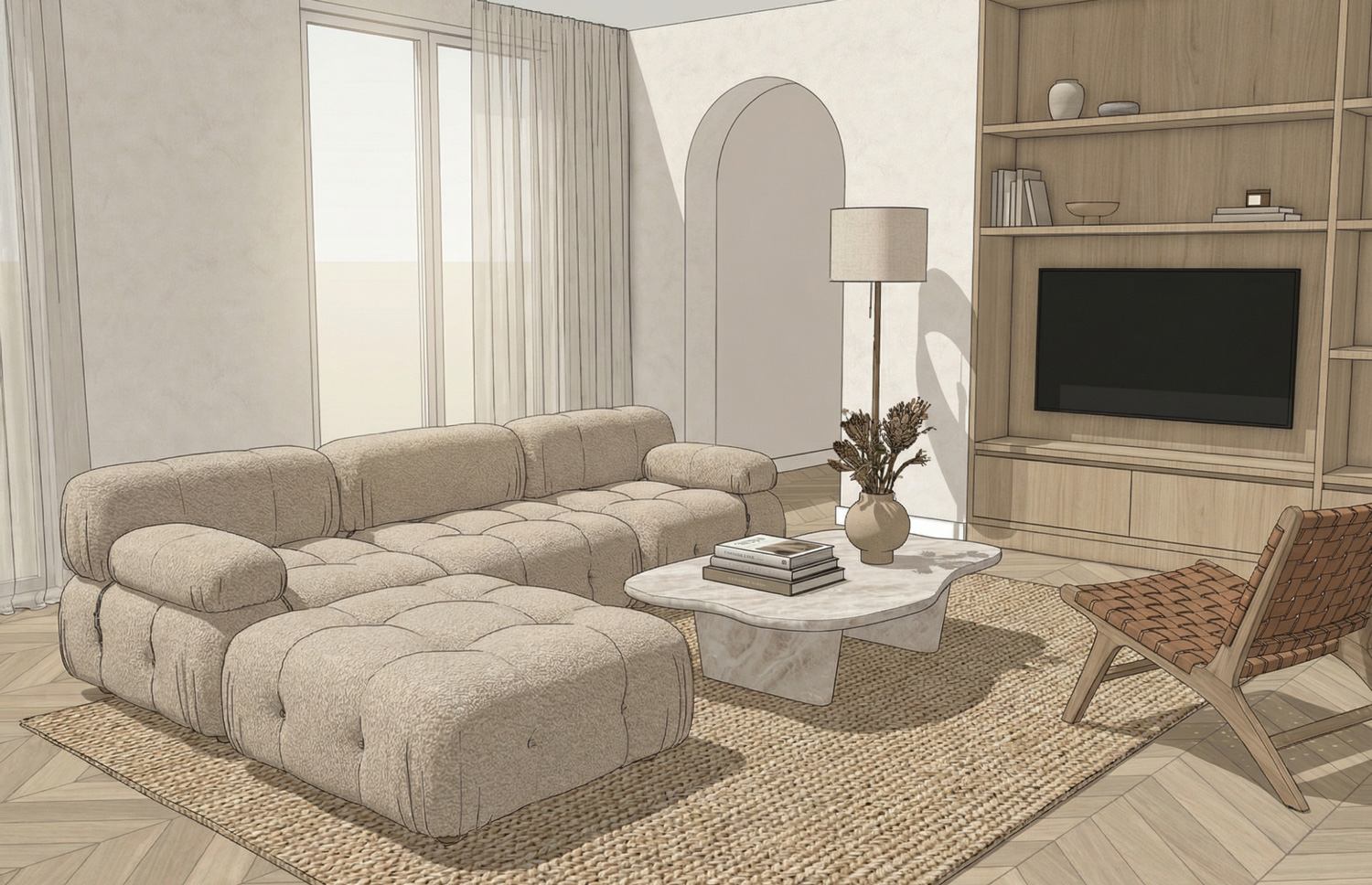
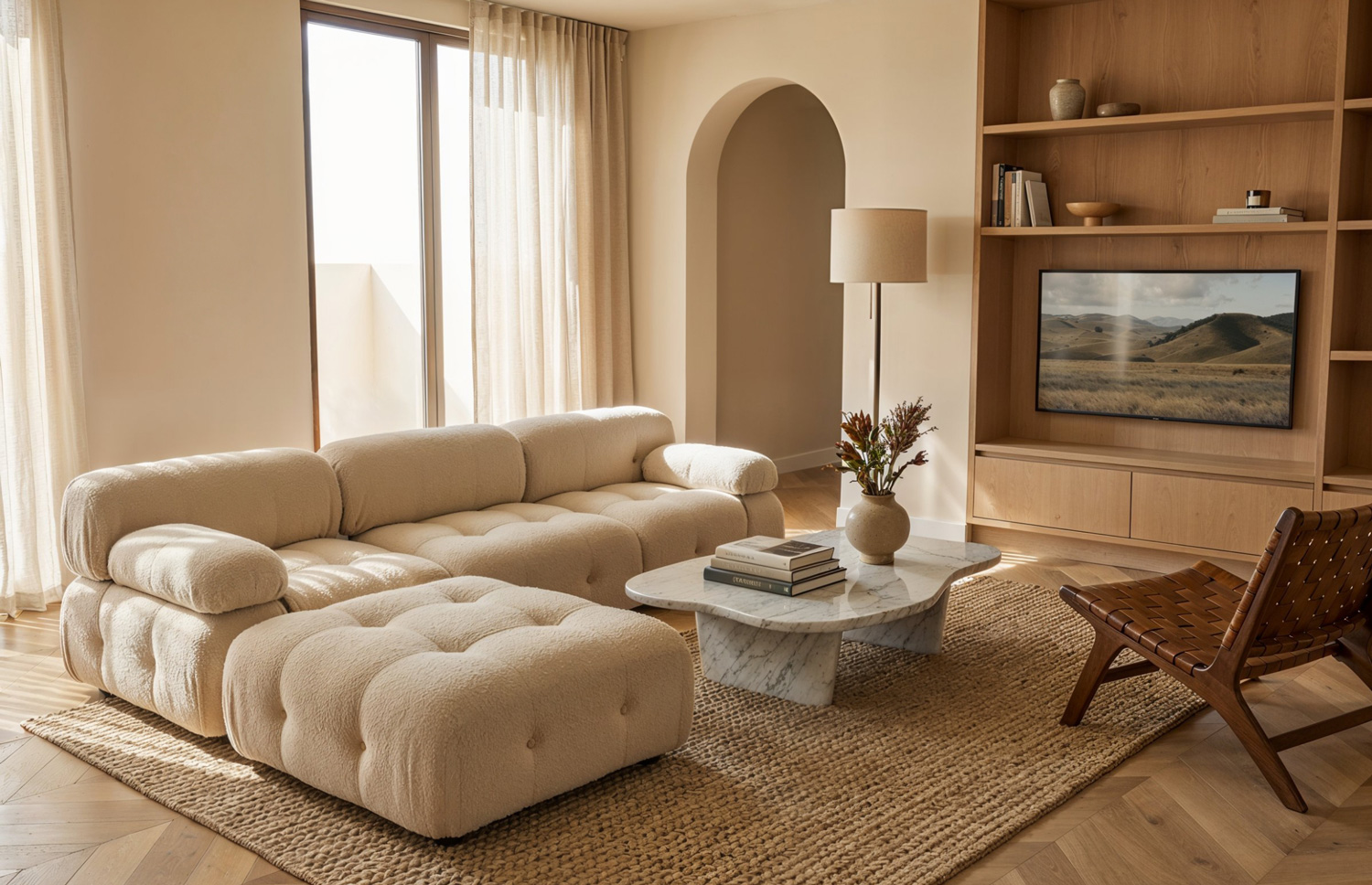
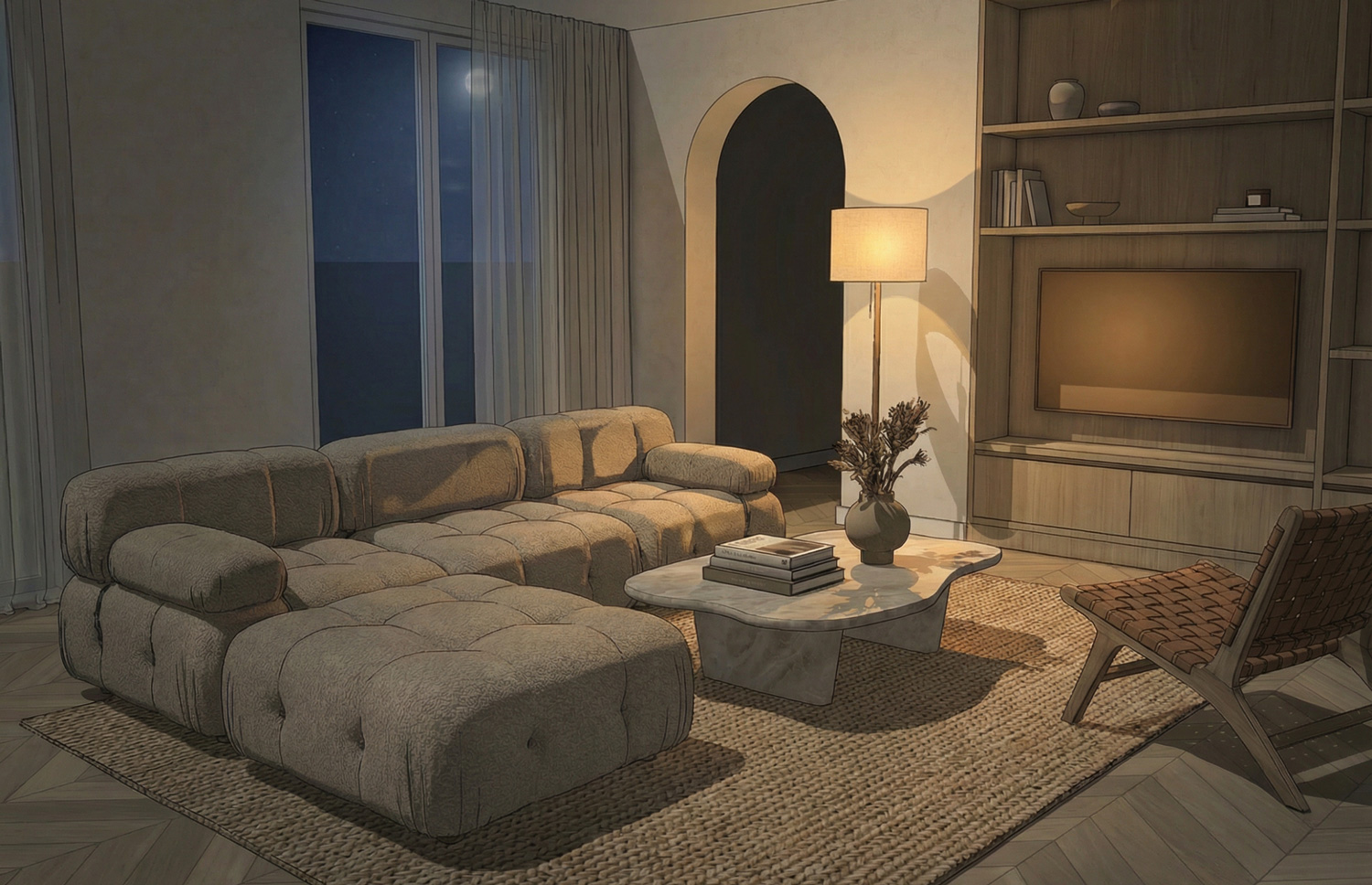
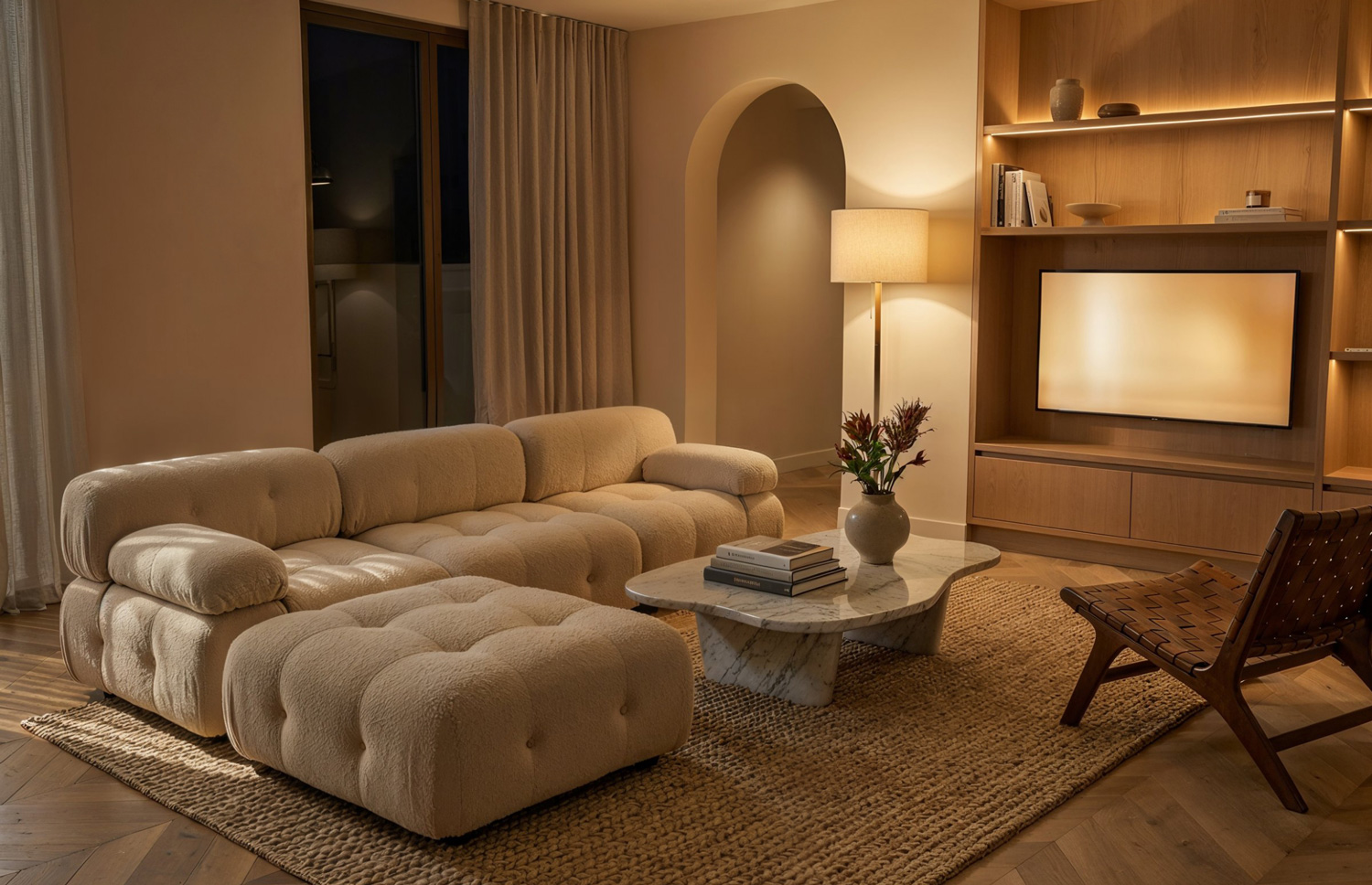
From SketchUp screenshot to photorealistic 3D

Struggling with 3D interior renders?

Take a rough SketchUp viewport screenshot and turn it into a photorealistic 3D render in a fraction of the time it would take with Corona or Enscape.

Light:
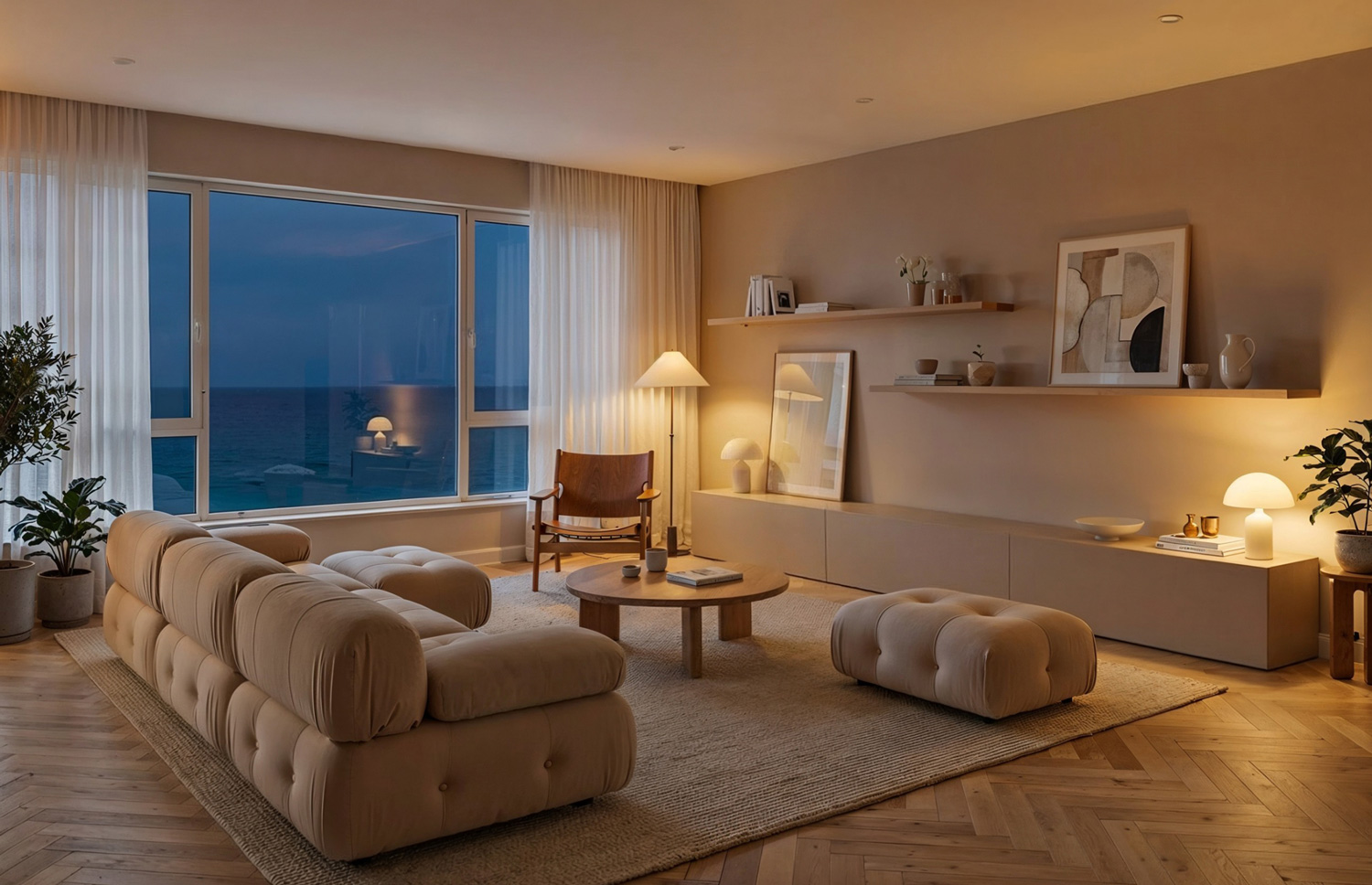
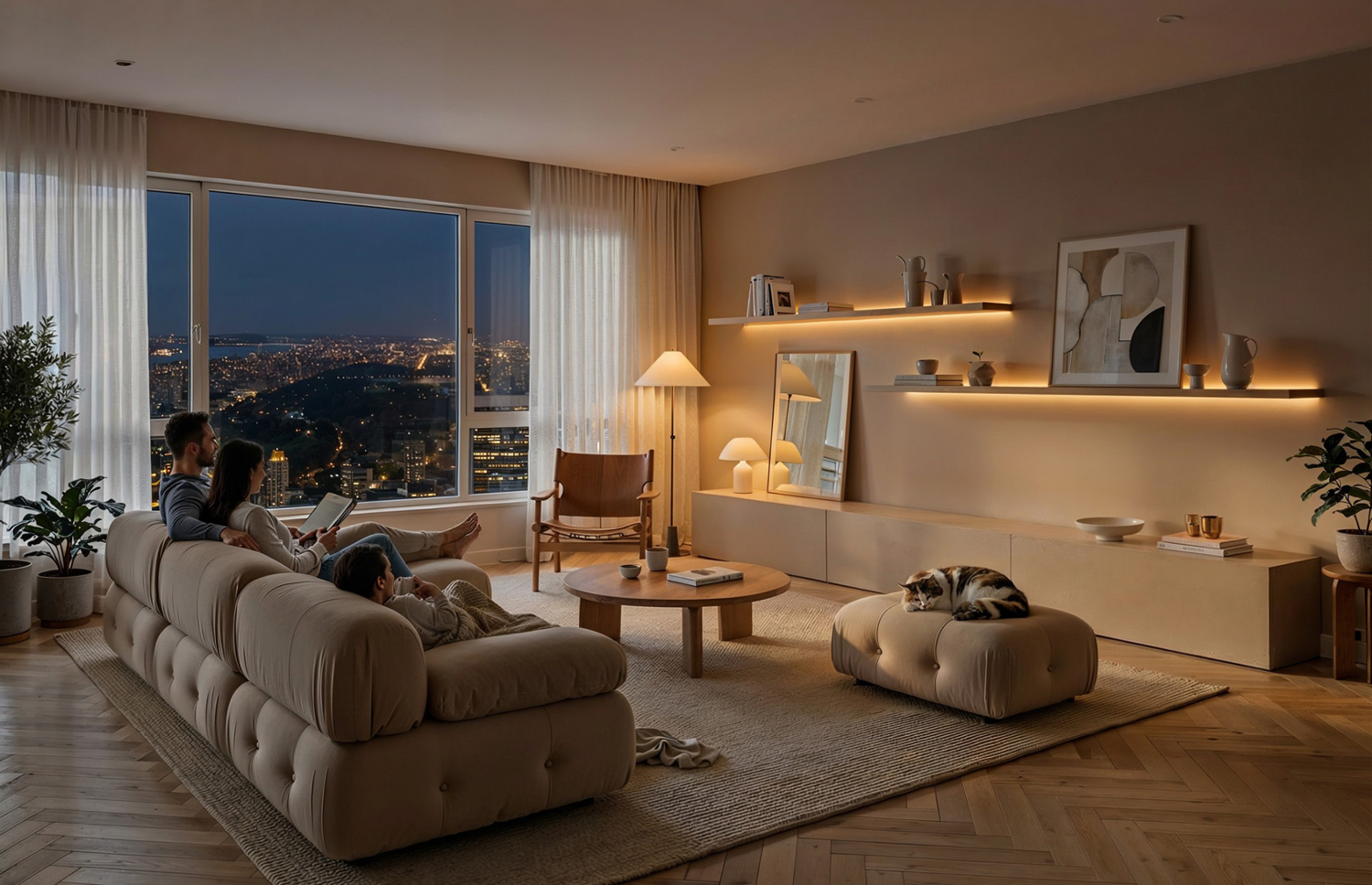
Before imageAfter image

Upload a screenshot.

Choose your style or moodboard.

No more overnight queues. No more tweaking passes for hours to fix small issues. You get a solid base render in minutes, then refine only what matters.

Get back a client-ready image.

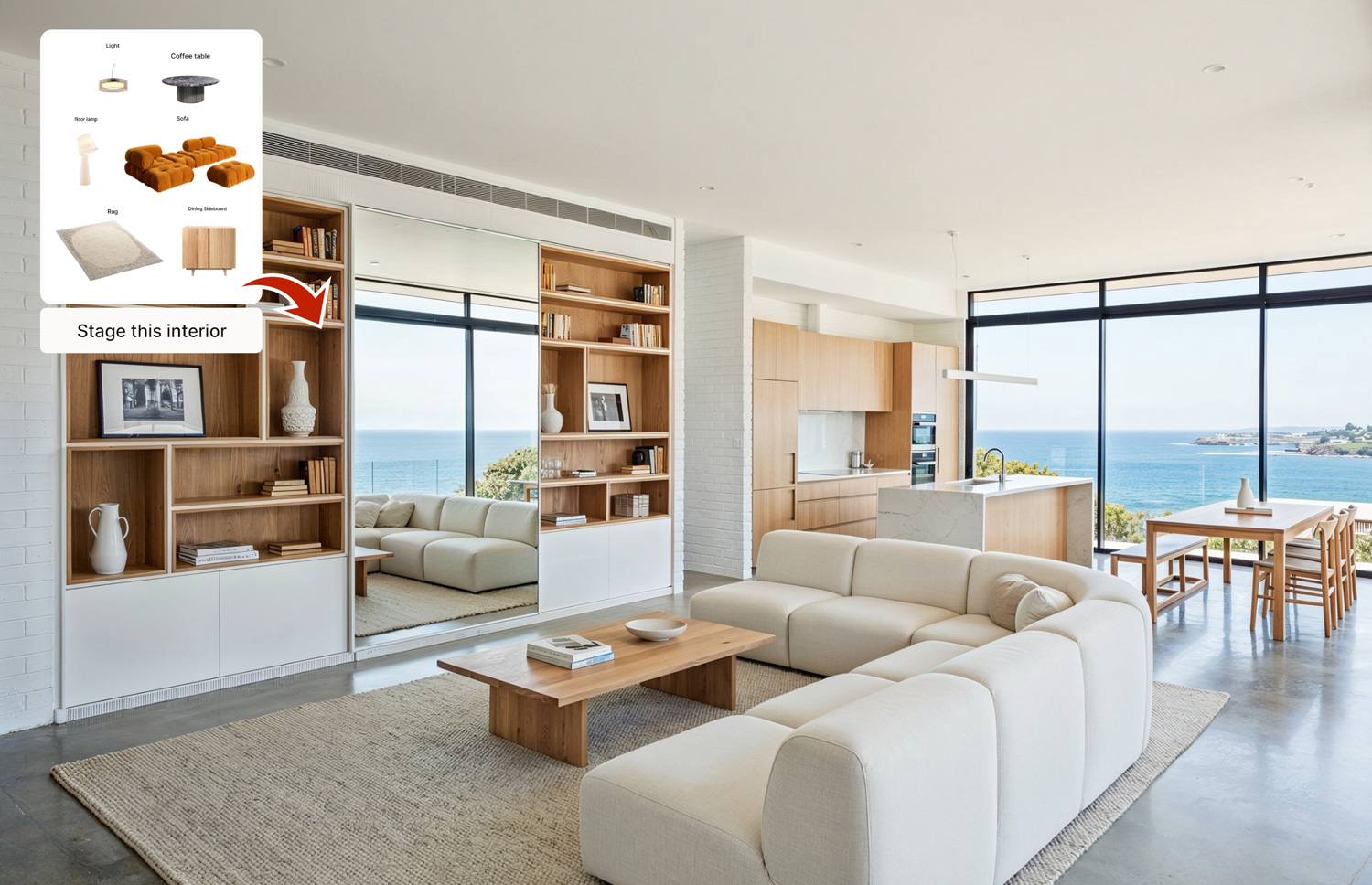
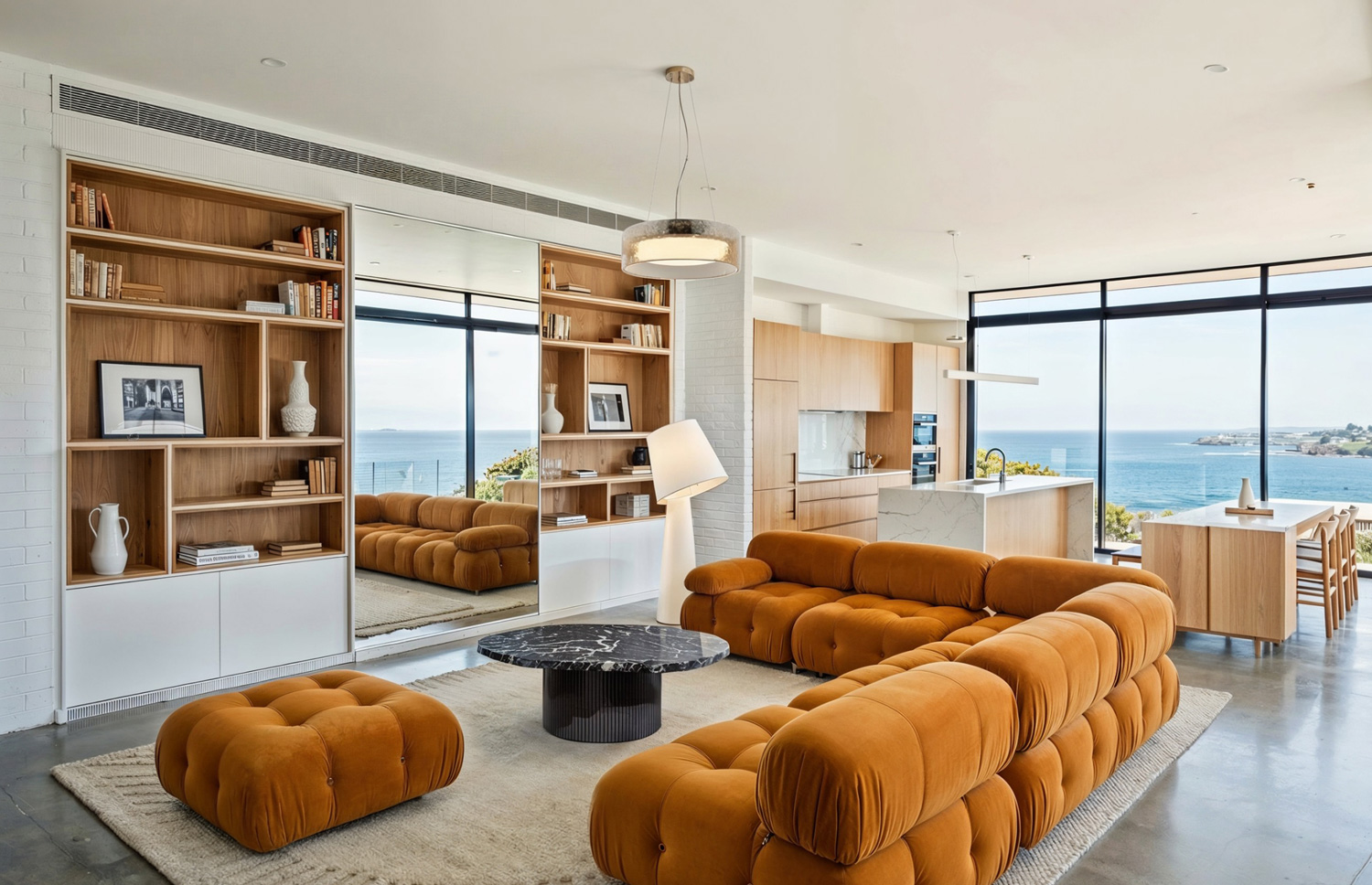
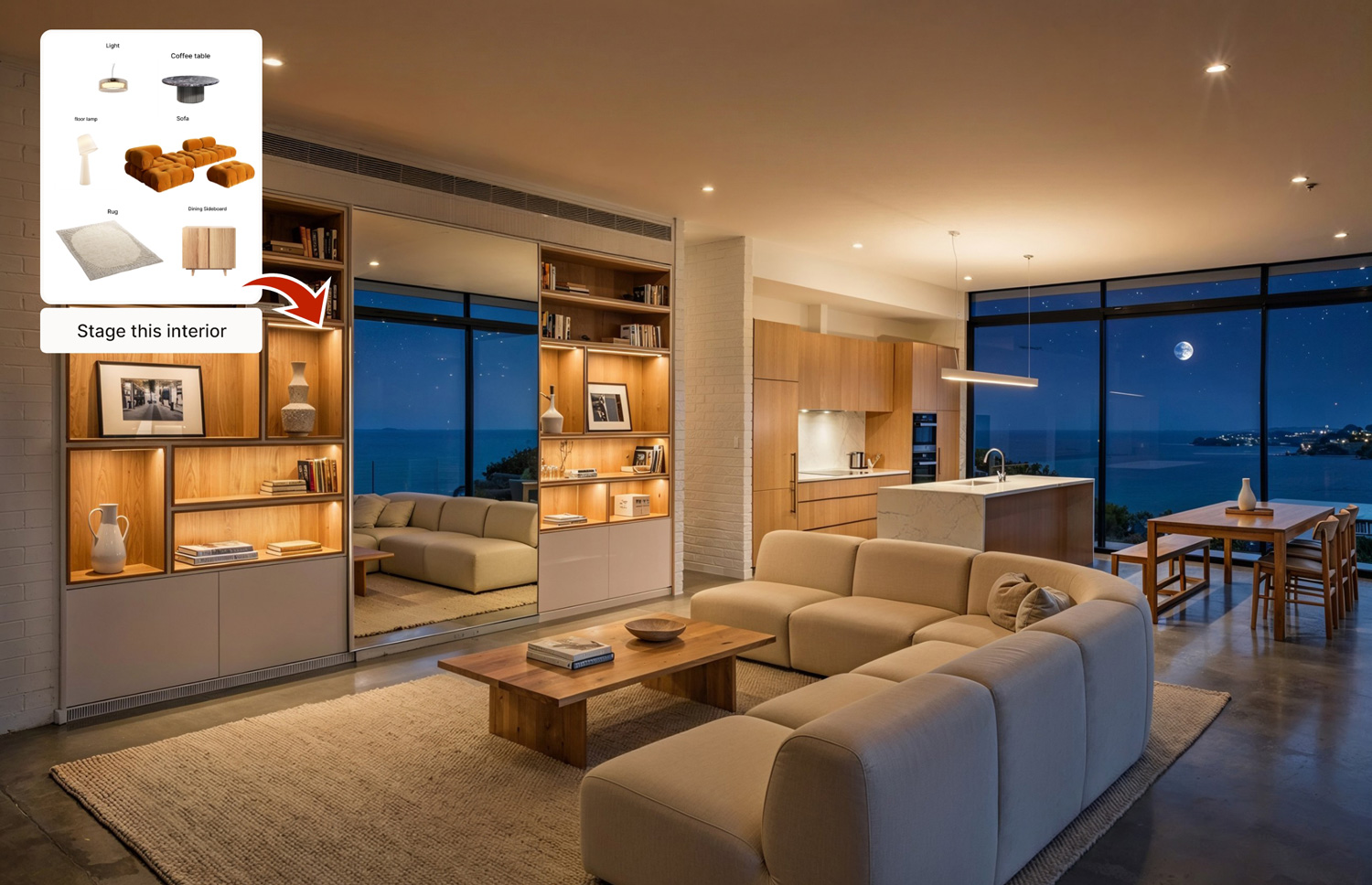
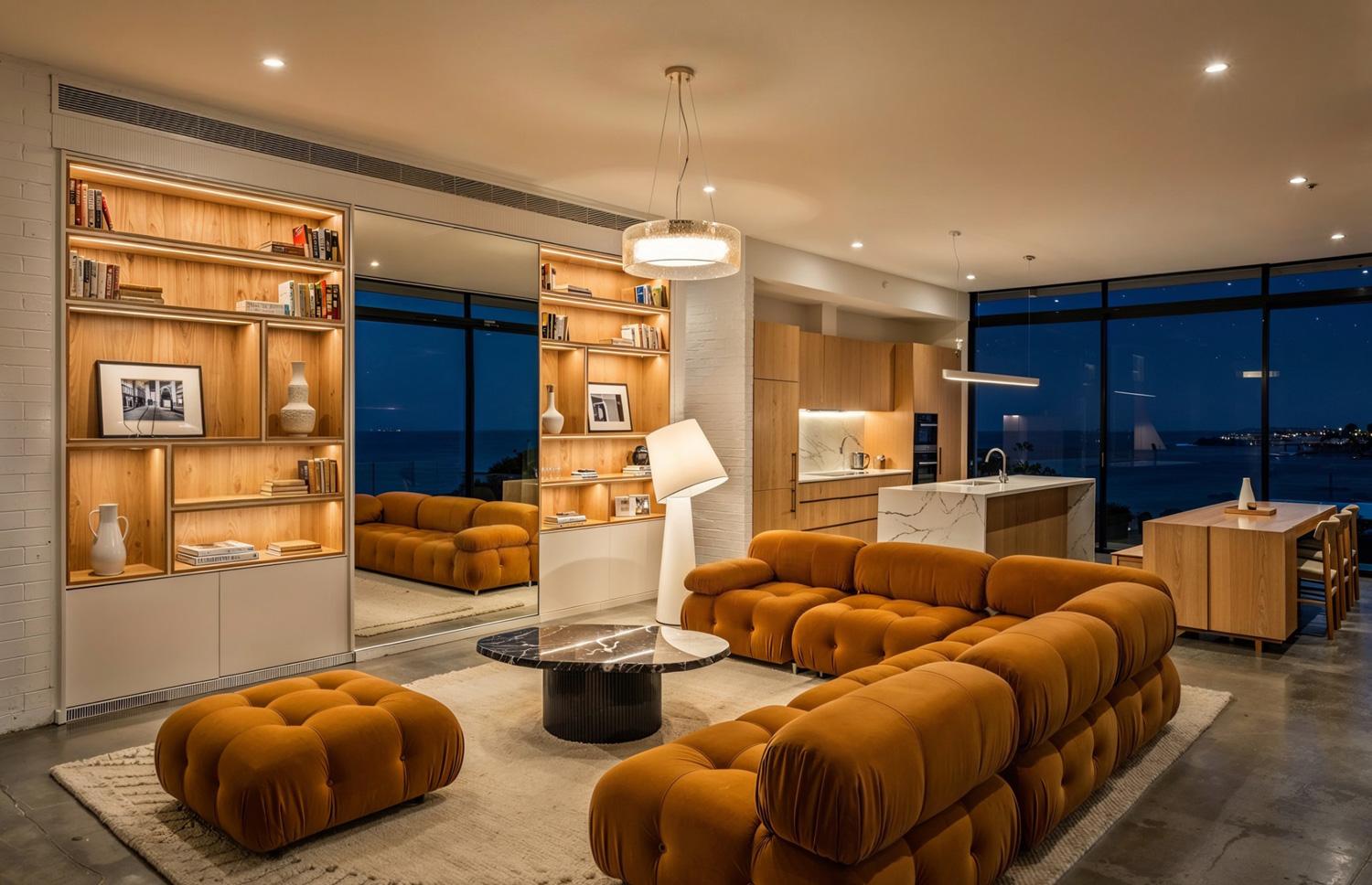
Stage an interior with real furniture in 1 minute

Empty rooms do not sell.

Stage any interior with real furniture and finishes from your own library in under a minute. Drop in sofas, tables, lights, art, and decor that you actually specify in projects.

Light:
Before imageAfter image

Pick a room.

Select products from your library or pre-built sets. Generate a fully staged scene with accurate perspective and lighting.

Perfect for:

Client concept decks

Sales visuals for furniture brands

You get visuals that feel like real projects, not AI fantasy.
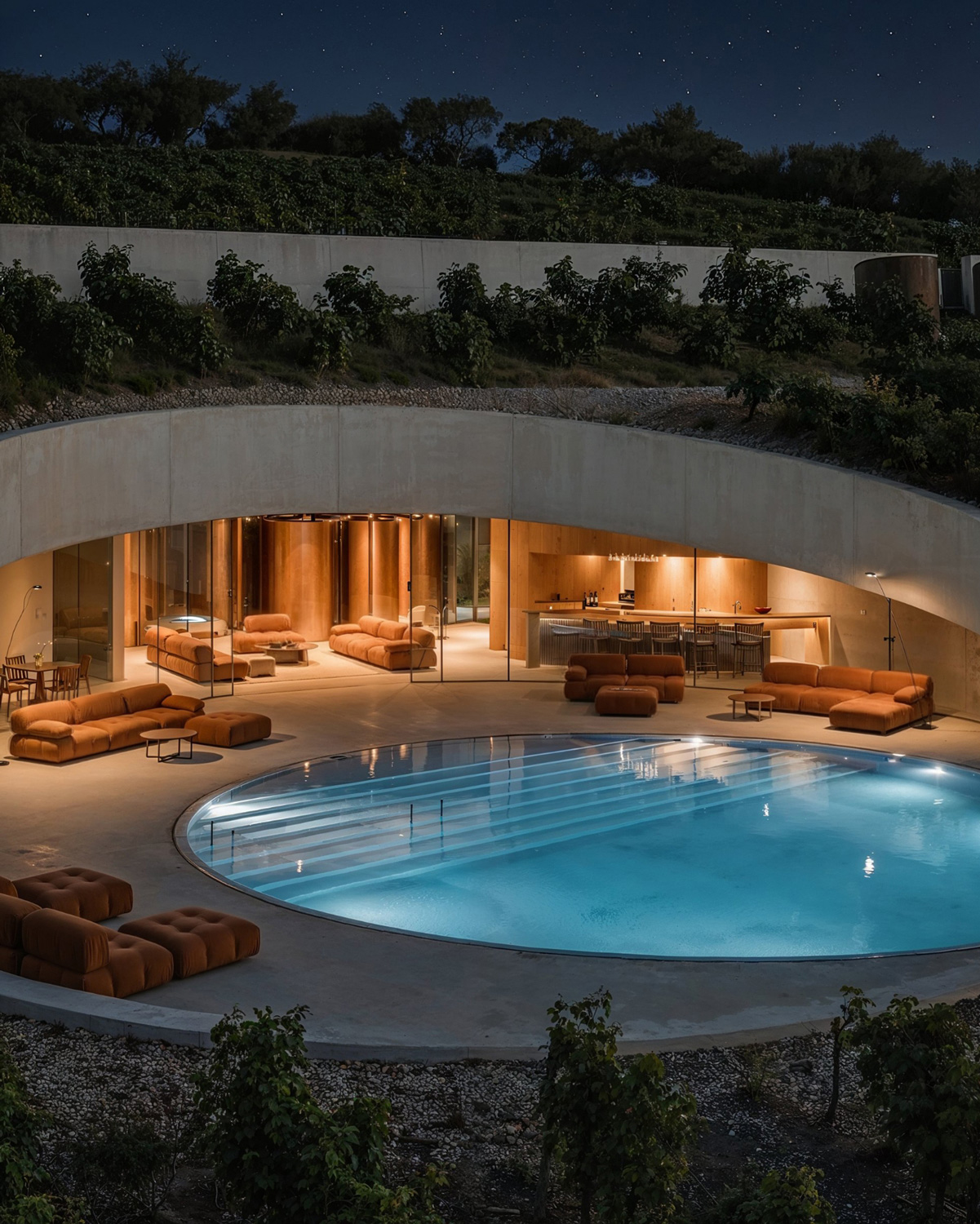
Quick variations for different budgets

Turn your social feeds into a lead machine

Beautiful work that no one sees does not grow a brand.
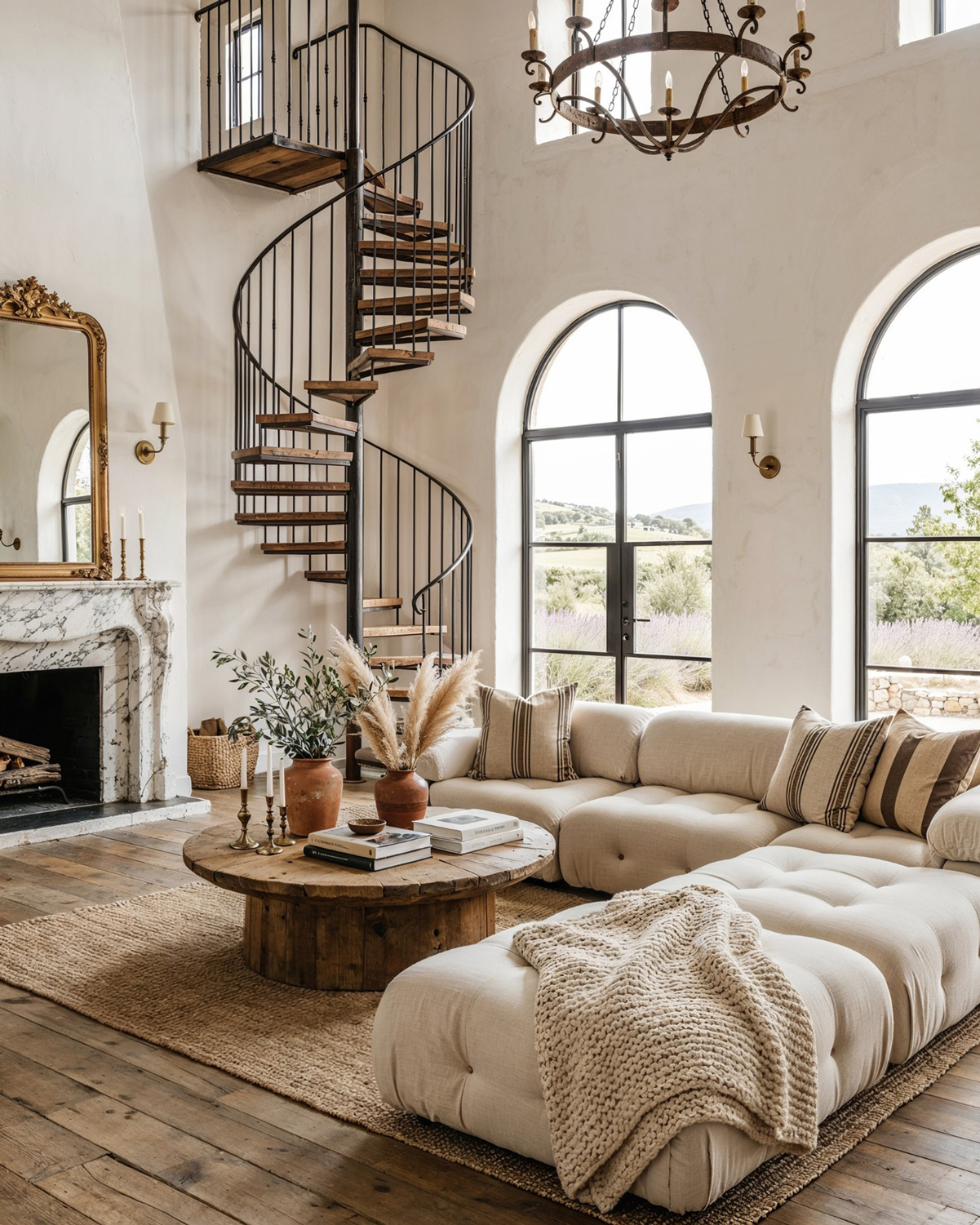
Fill your Instagram, Behance, and portfolio with scroll-stopping content. Produce beautiful, consistent images on demand, even between big projects.

Use the app to:

  • Build coherent series around a style or project type
  • Repurpose client work into polished social content
  • Show the range of your skills without waiting for final site photos

You stay visible. Your work looks top tier. Your social media starts to function like an inbound sales funnel for new clients and opportunities.

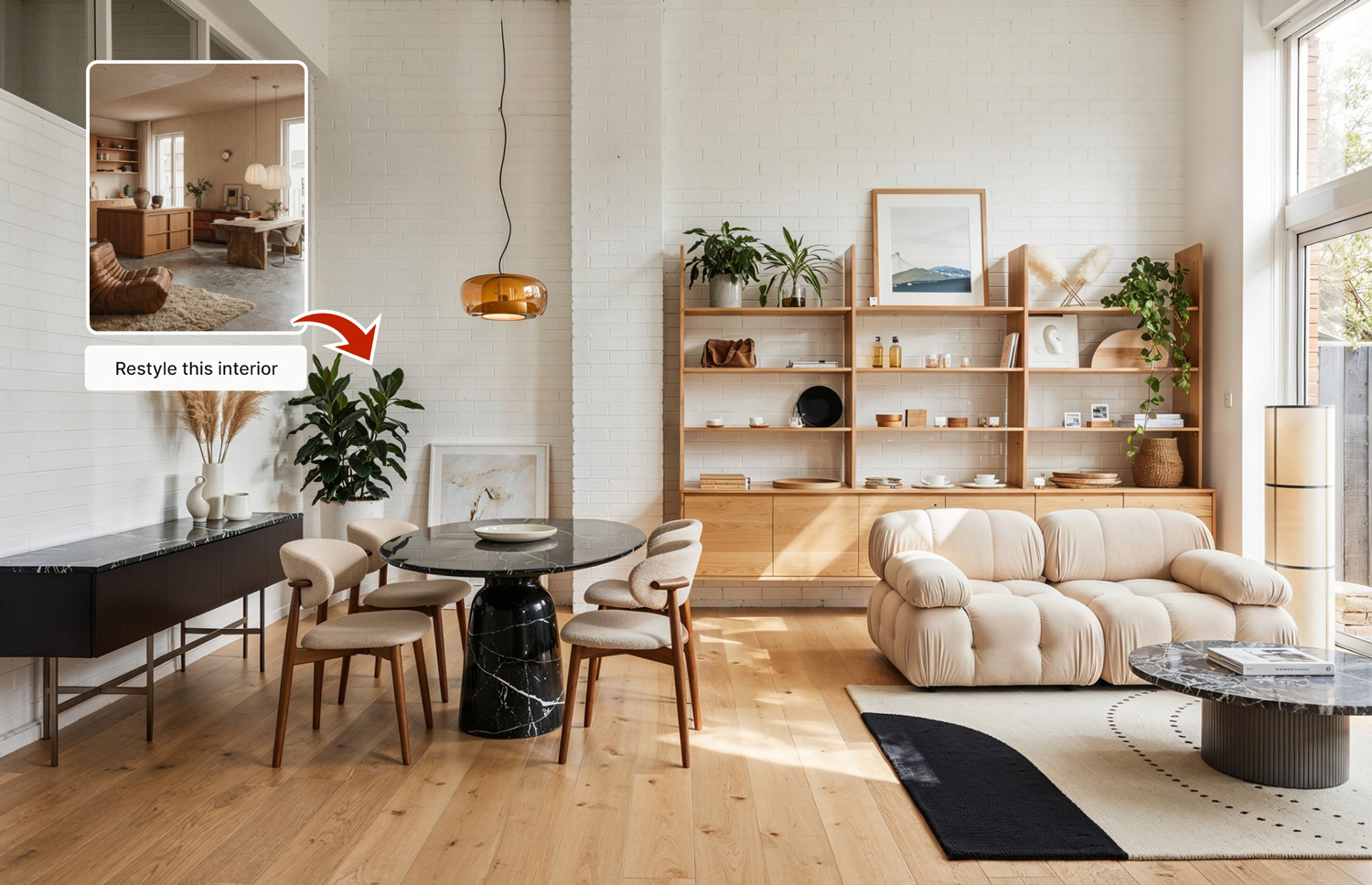
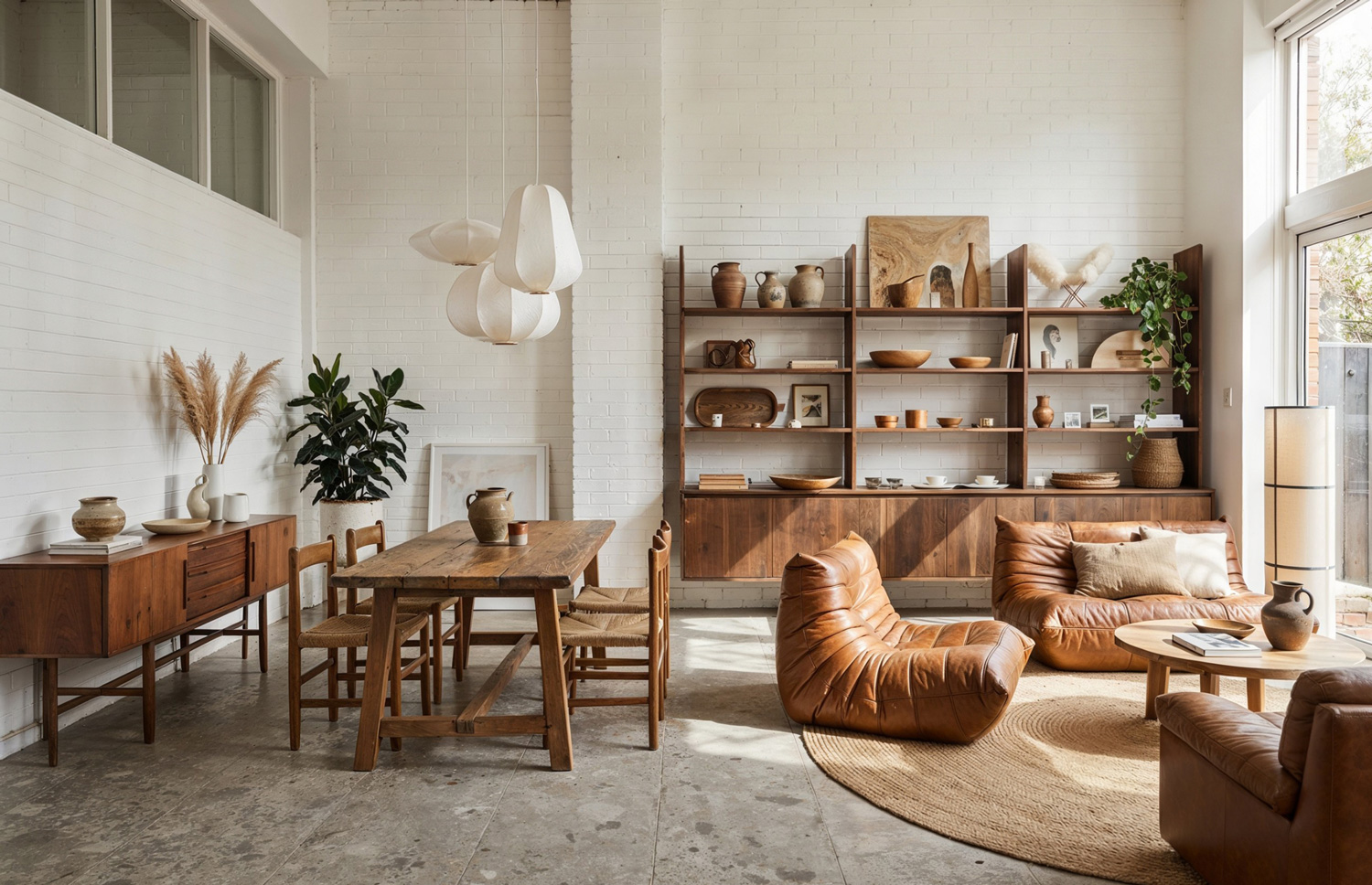
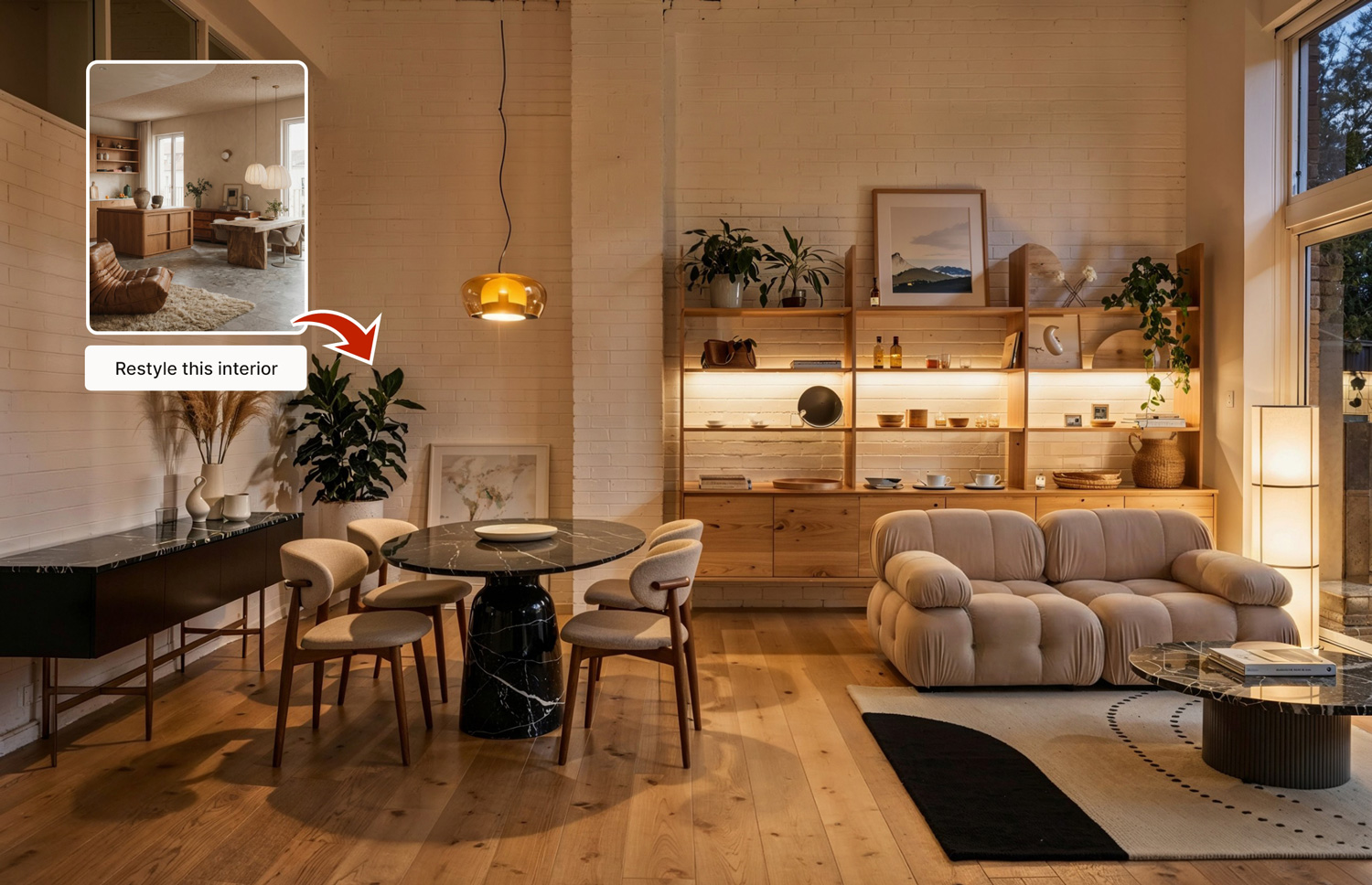
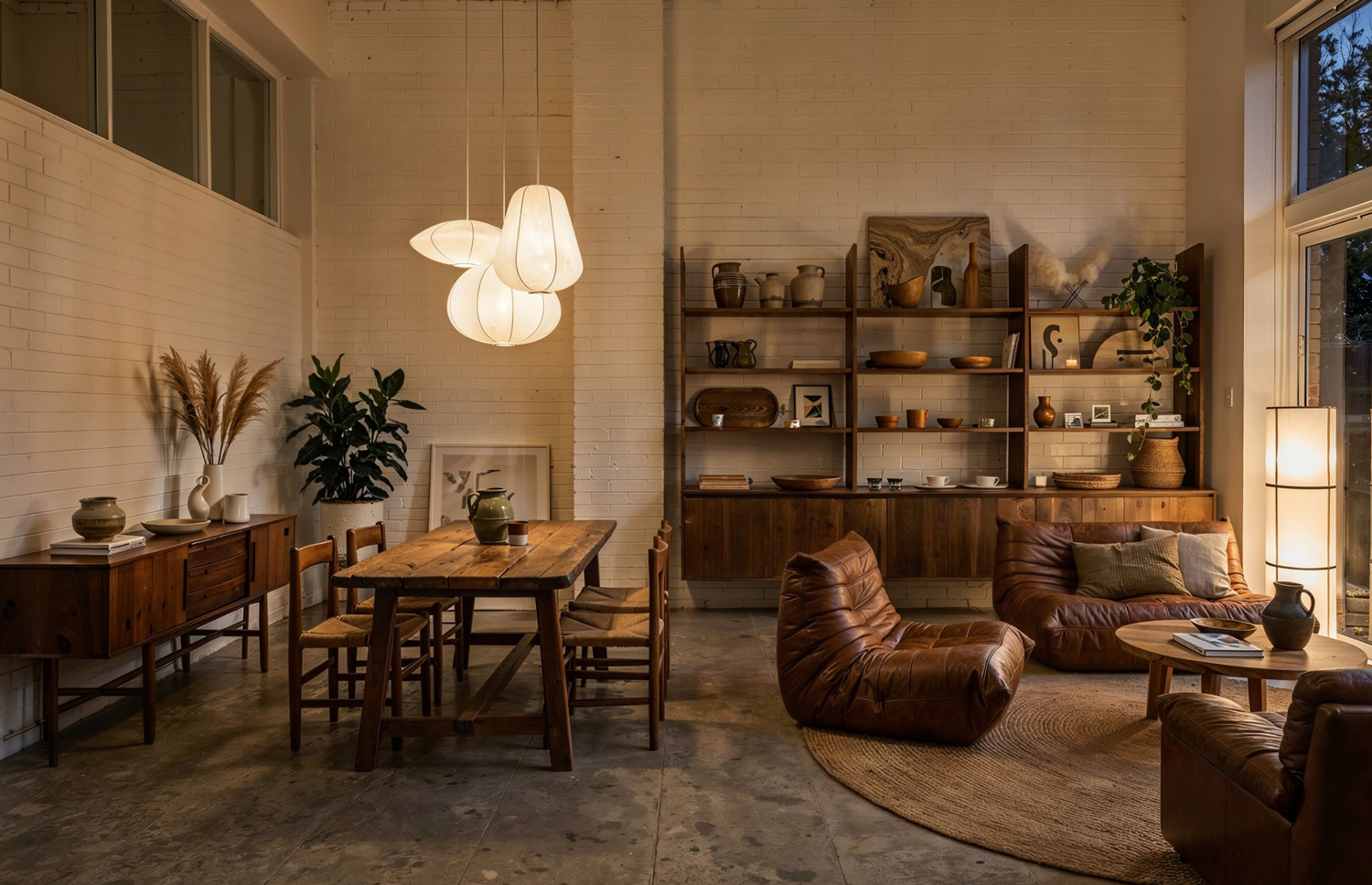
Restyle an interior from an inspiration or a moodboard

You already think in terms of inspiration and moodboards. Now your visuals can keep up.

Upload or build a moodboard, then restyle any interior to match that direction in seconds. Pick the mood, and the app restyles the scene around it.

Light:
Before imageAfter image

Use it to:

Explore multiple directions without rebuilding a 3D scene

Align quickly with indecisive clients

Keep a consistent visual language across an entire project or brand

Cut your revision time in half

Revisions are where projects go to die.

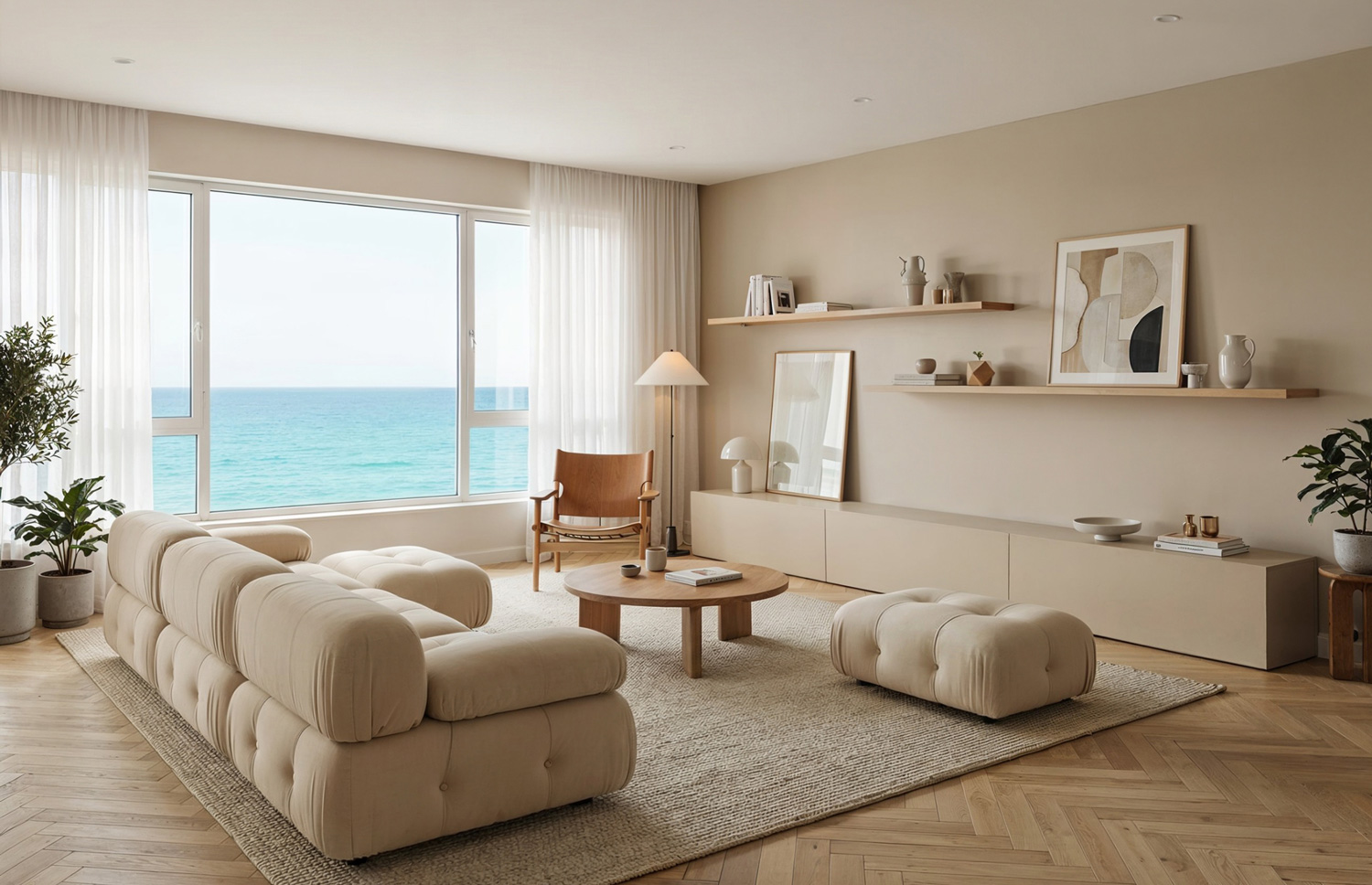
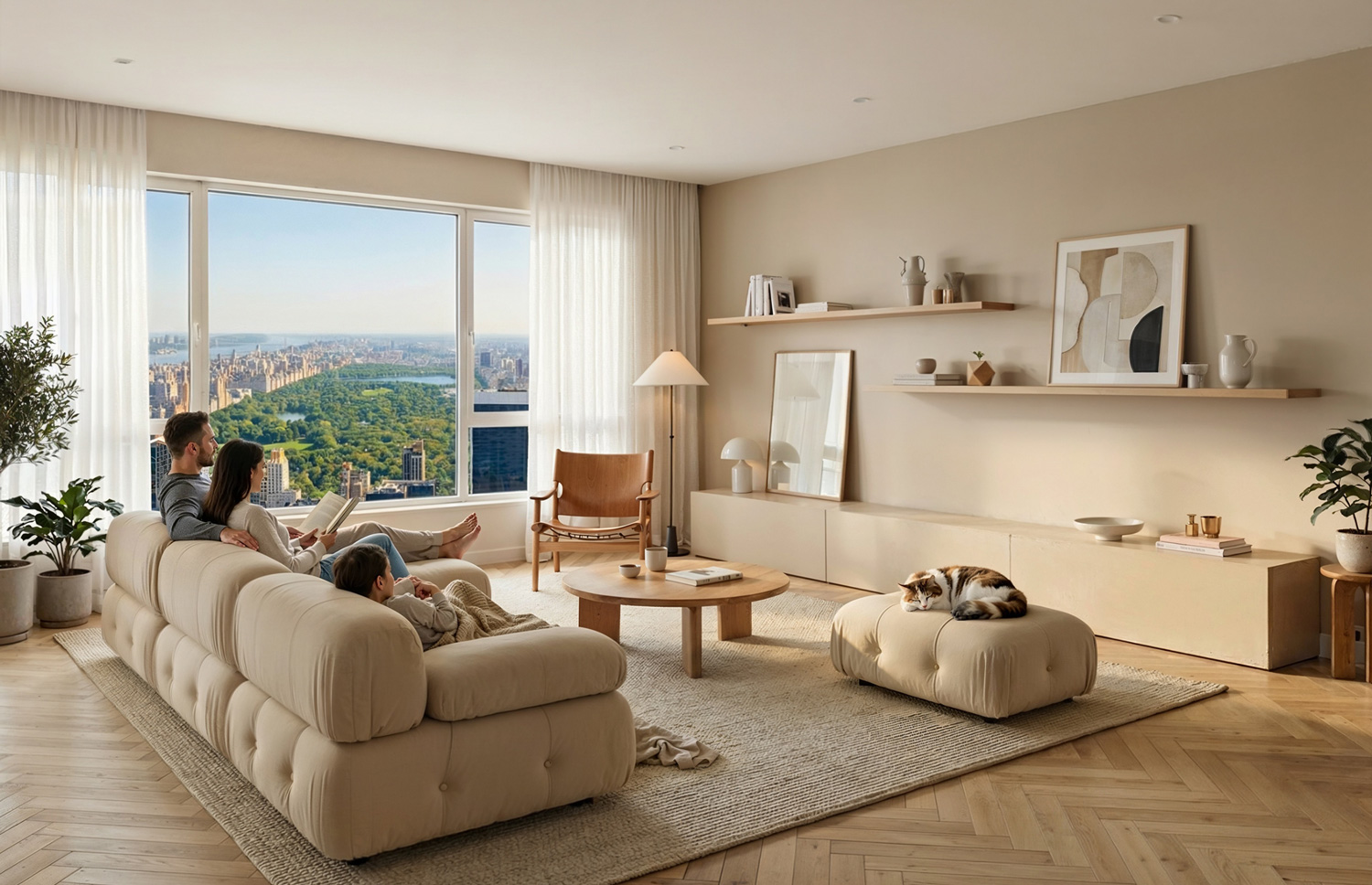
With a traditional render workflow, every tweak feels like a small rebuild. That is why you hesitate to show bold options early. It is too expensive to change your mind.

Light:
Before imageAfter image

With this tool, revisions are just another generation:

Show clear options and variations in every client meeting

Respond to client feedback with new renders in minutes, not days

You cut your revision time in half because you are no longer afraid of changing the image.

Lock the direction faster and move on to execution

Walk into client meetings with clarity

Clients do not buy drawings. They buy what they can see.

Walk into every meeting with:

  • A main concept render that tells the story
  • Alternate color and material options
  • A few bold outlier ideas that show your range

You look prepared. Clients feel involved. Decisions happen faster because everyone is looking at high-quality images instead of guessing from plans.

The result: smoother meetings, less friction, and more trust in your process.

Light:

Ideate much faster than traditional 3D

When exploration is cheap, your ideas get better.

Use AI visuals to:

  • Sketch 10 directions before committing to 1
  • Test wild ideas without clogging your 3D pipeline
  • Validate proportions, materials, and atmosphere early

Traditional 3D is amazing when the design is locked. This tool is for everything before that moment. It becomes your visual thinking partner for interiors and architecture.

Frequently Asked Questions

Most AI tools are trained to generate pretty pictures of anything. This app is focused on interiors and architecture. It is built around your actual workflow: SketchUp screenshots, moodboards, product libraries, and client revisions.

We are designers ourselves, and we have dropped 3ds Max and Corona Render for some tasks. Think of it as a fast companion to your existing stack. Use it to explore ideas, generate options, and handle most client-facing visuals. When you need full technical control, you can always go back to your core 3D tools.

You can work from rough viewport screenshots, sketches, previous renders, photos, and more. You can also use moodboards and your own product library to keep everything on brand and consistent.

Yes. The app is built for commercial use. You can use your outputs in client presentations, social media, and marketing materials. For the exact legal details, check the terms of use in your account.

It only takes a few minutes to grasp how it works. We built the app to be super intuitive and fast to use, and we provide full support so you will never get lost.

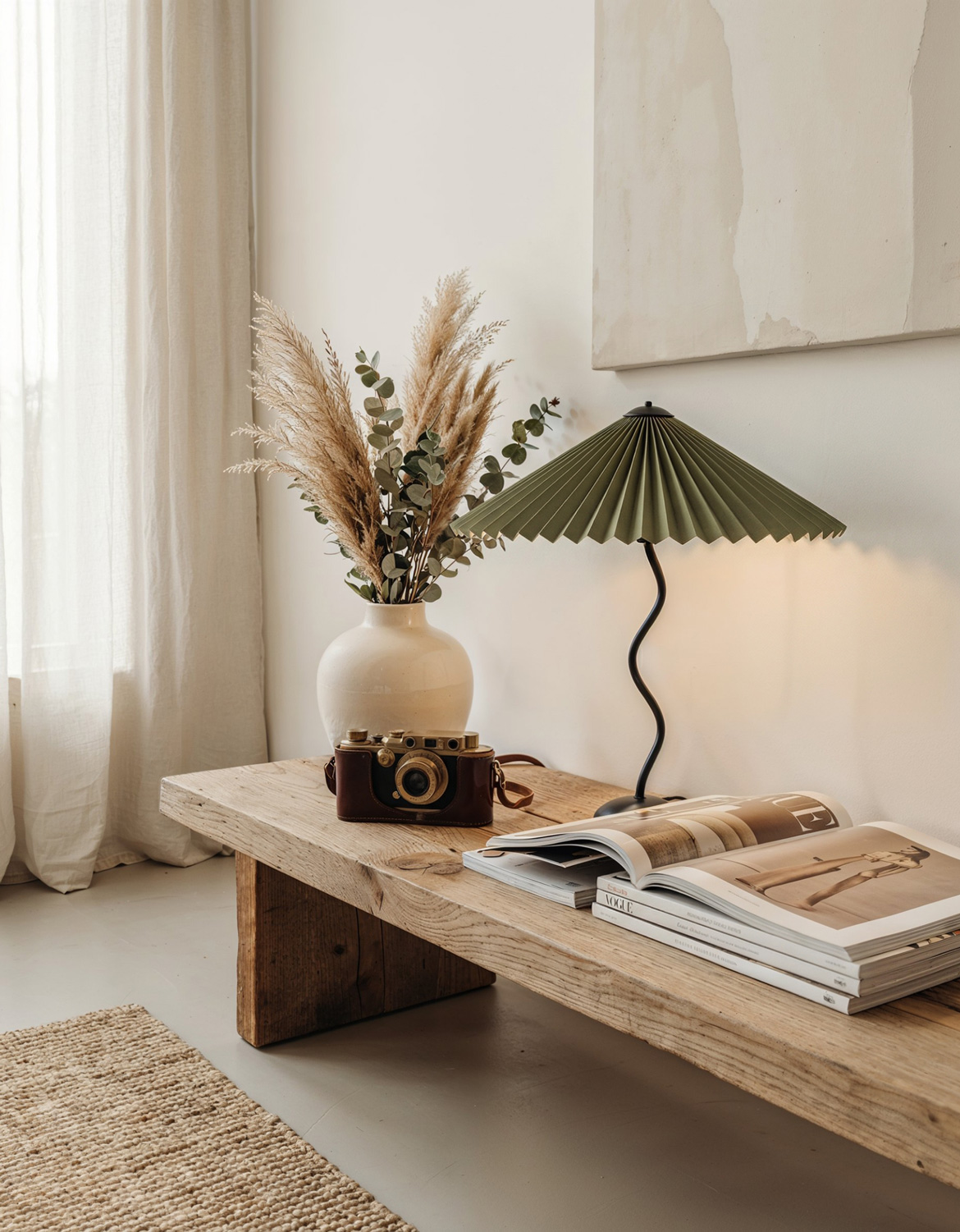
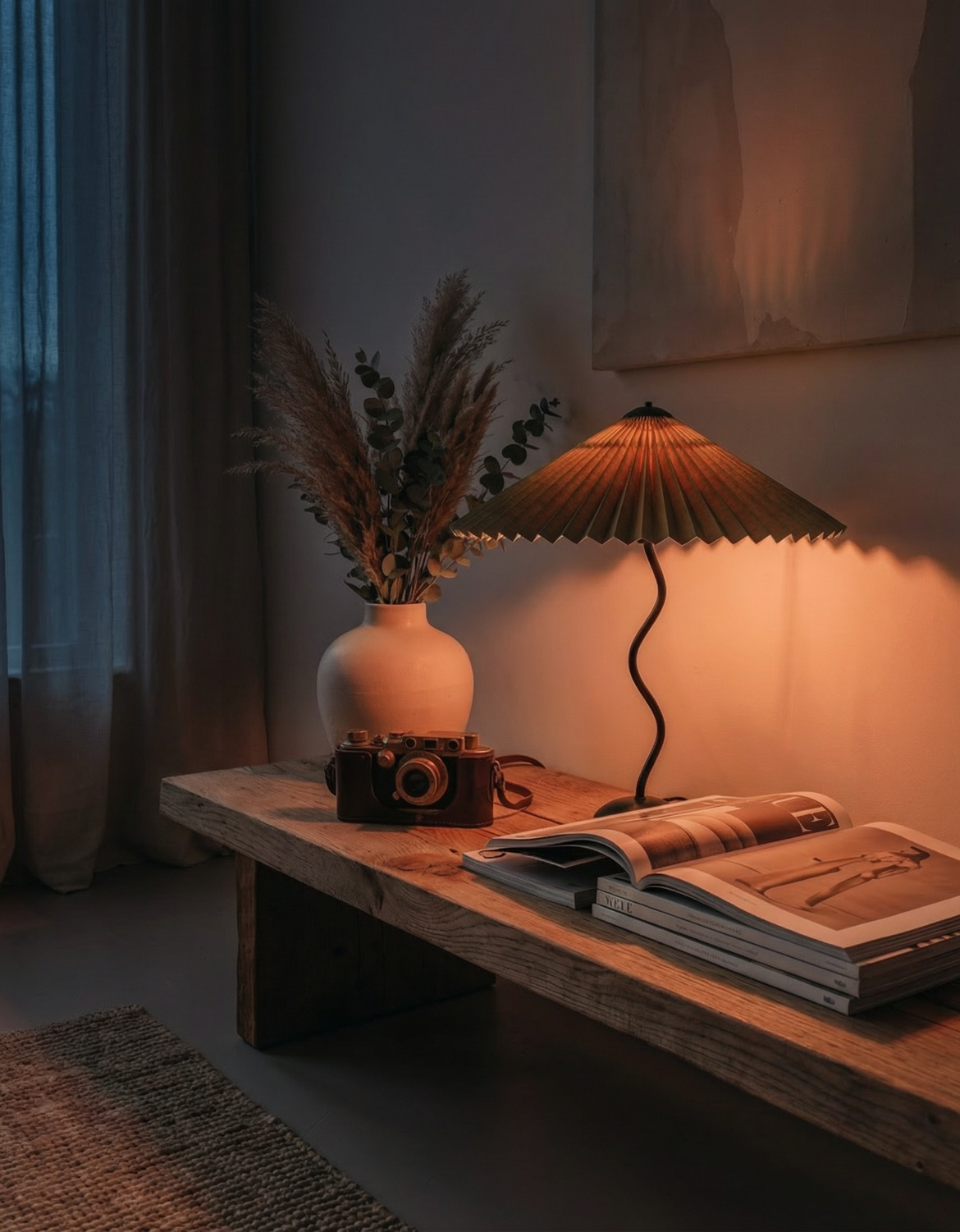
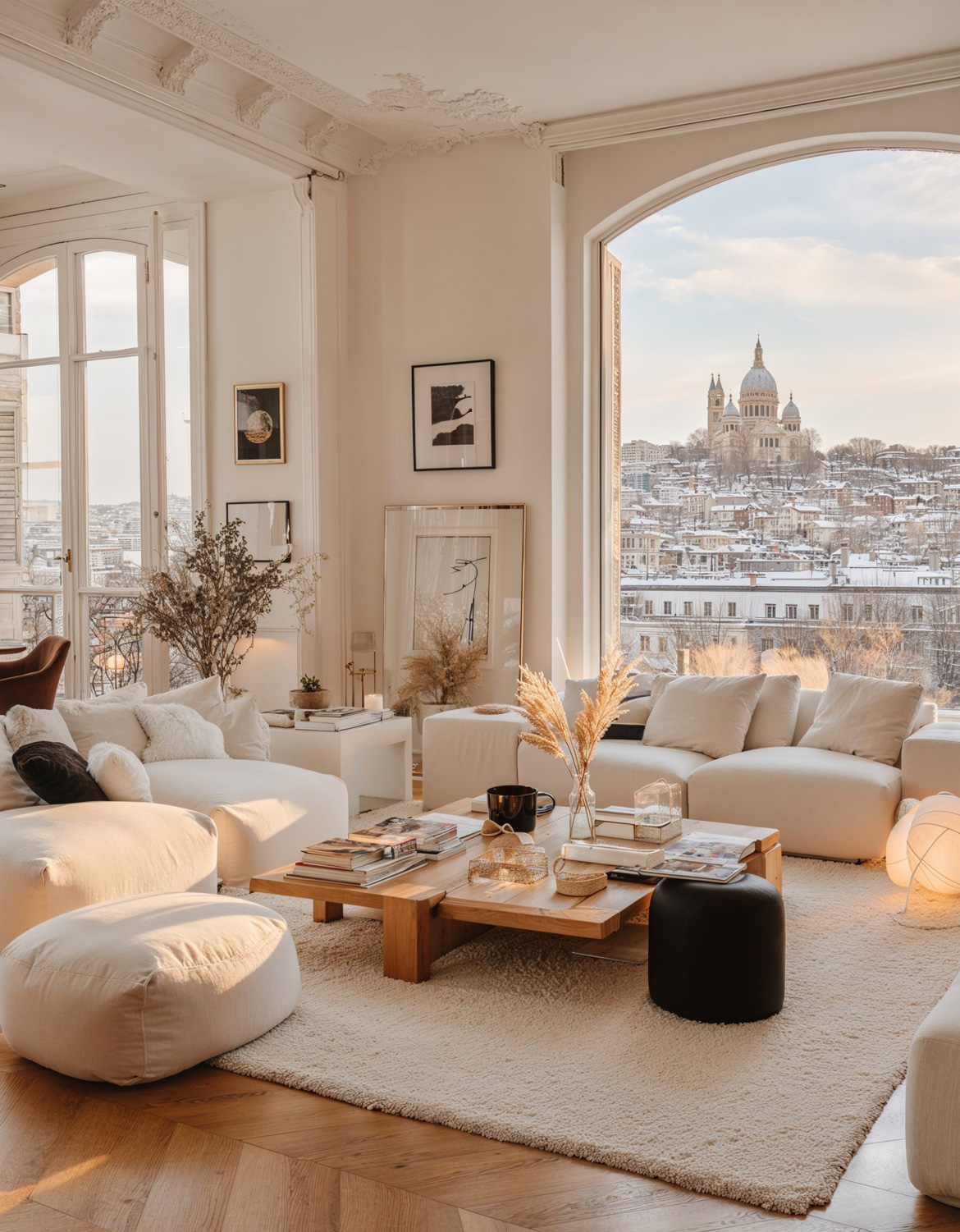
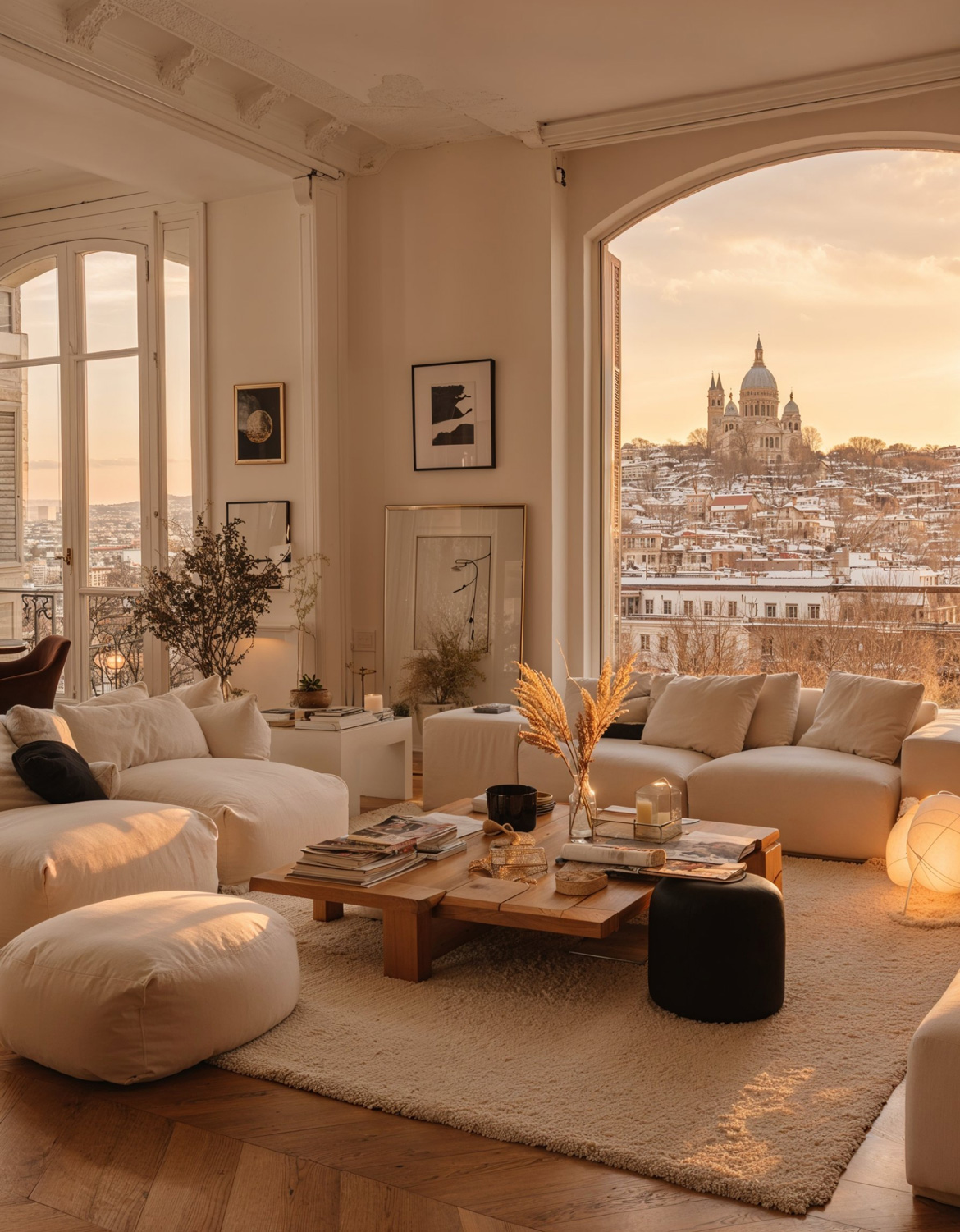
Design in the style of your favorite designers

With AI for Designers, you can feed a reference image and generate fresh interiors that carry a similar vibe, then lock them to your brand so they still look unmistakably like you.

Here are a few examples:

Light: